An NPC that answers whatever the player says used to need a studio-sized budget. Now an indie developer can wire a talking character into Unity, Unreal or Godot in an afternoon. The hard part is picking the right tool, because these products work in very different ways: some run in the cloud and bill per conversation, some run on the player's own PC, and some only make voice lines you record ahead of time. This guide compares the main AI NPC dialogue tools for beginner and indie game makers, explains how each one works, and shows what each costs and whether you can sell a game built with it.
Plans, prices and rights come from each vendor's own pricing pages, docs and terms, checked November 16, 2026. This is not a hands-on review: it describes what each company says its product does.
Quick answer: our picks
- Easiest talking NPC in Unity or Unreal: Convai. Build the character in a web dashboard, add the SDK, paste a Character ID. Free plan with 100 interactions a month; Indie Dev from $29/mo.
- Best for Godot: Neocortex. An open-source Godot 4.7+ SDK with a one-click voice chat. Free to try, but commercial use starts on Pro (€35/mo).
- No servers and no per-line fees (Windows PC games): Tryll Engine. The AI runs on the player's GPU, and it's free until a game passes $200k in gross revenue.
- Best voices for live lines, priced per character: Inworld AI. Realtime text-to-speech, speech-to-text and many LLMs behind one API, with a commercial license on every plan.
- Emotional voice acting that runs offline: Lingotion Thespeon. Licensed actor voices generated on the player's device, sold as a license per actor per game.
- Just need recorded lines, not live chat: ElevenLabs. Generate voice files and import them like any other audio; commercial use from Starter ($6/mo).
Live AI dialogue or pre-made voice lines?
Before you compare tools, decide which of two jobs you actually need done.
Pre-generated dialogue means you write (or draft with AI) every line, turn the lines into audio files during development, and ship those files. The game plays them like any recorded voice. It's cheap to run, works offline, and you control every word. A text-to-speech tool such as ElevenLabs covers this, and our guide to AI game audio goes deeper on voices, music and sound effects.
Live-generated dialogue means a language model writes the NPC's reply while the game runs, based on what the player typed or said, and a voice engine speaks it. This is what Convai, Inworld, Neocortex and Tryll do. It feels magical, but you give up some control over what the character says, and you either pay for each conversation in the cloud or ask players to have a capable PC.
Many games mix the two: recorded lines for the story, live chat for a few side characters. If you aren't sure, start with pre-generated lines and add one live NPC as an experiment.
What to look for in an AI NPC tool
Where the AI runs
Cloud tools (Convai, Inworld, Neocortex) need an internet connection while the game runs and charge you as players talk. On-device tools (Tryll, Lingotion) run on the player's hardware, so there are no servers to pay for, but they raise the game's system requirements. Tryll, for example, lists Windows 10 or 11, a GPU with 8 GB of VRAM recommended and 16 GB of RAM.
Engine support
Check the exact engine version, not just the engine. Convai's Unity SDK needs Unity 6000.0.80f1 or later, Tryll's Unity package needs Unity 6000.3 or later, Neocortex's Godot SDK needs Godot 4.7 or later, and Lingotion's Godot plugin is still in beta. See the Unity, Unreal and Godot hubs for other AI tools that fit each engine.
How you pay
The pricing models are all different: Convai counts interactions per month, Neocortex counts credits, Inworld bills per million characters of speech, Tryll takes a royalty only after $200k, Lingotion licenses each actor per game, and ElevenLabs sells monthly credits. Estimate how many lines a typical player will trigger before you pick a plan.
Commercial rights
Free plans are often for testing only. Neocortex's Free and Starter plans are personal (and academic) use only, Lingotion's starter actors cost money once you publish, and ElevenLabs' free plan has no commercial license. Our guide to selling a game made with AI covers the wider rules.
Safety and store rules
If dialogue is generated while the game runs, Steam's Content Survey treats it as Live-Generated AI content and asks what guardrails stop it from producing illegal content. Look for tools that let you limit what a character knows and can do, and plan your own filters on top.
AI NPC dialogue tools compared
| Tool | Runs | Engines | Free plan | Paid | Commercial use |
|---|---|---|---|---|---|
| Convai | Cloud | Unity, Unreal | Free $0: 100 interactions/mo, 60 min of cloud-rendered Avatar Studio/Convai Sim | Indie Dev $29/mo ($22 yearly) · Professional $99/mo ($69 yearly) · Scale $499/mo · Business $1,199/mo | Yes; terms say you own your content and AI output |
| Inworld AI | Cloud API | Unity, Unreal SDKs; any engine via API | On-Demand $0 pay-as-you-go with trial TTS minutes | Creator $25/mo · Builder $100/mo · Developer $300/mo · Growth $1,500/mo | Yes; commercial license listed on every plan |
| Neocortex | Cloud | Unity, Unreal, Godot, web | Free €0: 2 characters, 200 credits/mo, personal use | Starter €11/mo (personal/academic) · Pro €35/mo (commercial) · Team €119/mo | From Pro only |
| Tryll Engine | Player's PC | Unity 6+, Unreal 5.7+ (Windows) | Free to develop and ship until $200k gross | 1% royalty on gross revenue above $200k · studio licenses | Yes; no seat or per-token fees |
| Lingotion Thespeon | Player's device | Unity, Unreal, Godot (beta) | Two starter actors for testing + 2,000 Studio tokens | One-time license per actor per game title | Paid license needed to ship |
| Charisma.ai | Cloud | Unity, Unreal, web | No; one-month Pro trial (50,000 credits) | Credit bundles from $5 for 50,000 credits | Yes with a Pro licence |
| ElevenLabs | Cloud (pre-made files) | Unity; files work anywhere | 10k credits/mo | Starter $6/mo · Creator $22/mo · Pro $99/mo | From Starter |
All of these are listed in our AI voices and NPC dialogue category.
Convai: the quickest talking NPC in Unity or Unreal
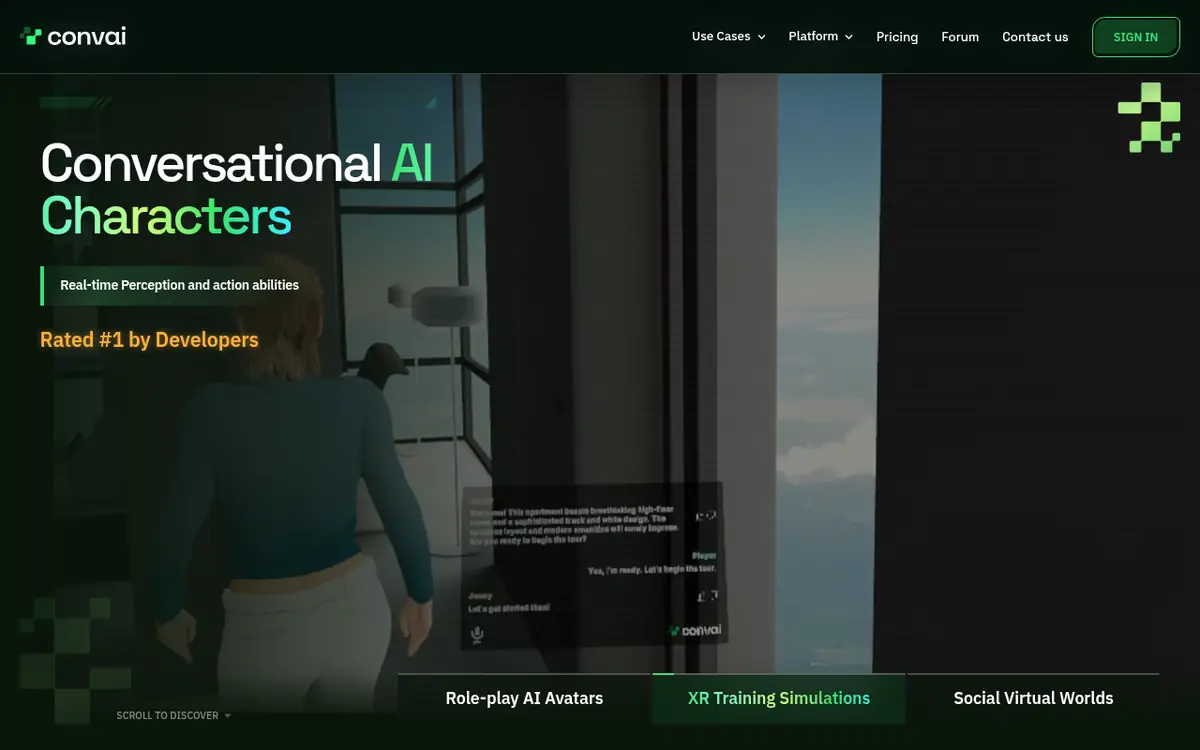
What it is: a platform for conversational AI characters. You define a character's look, voice, backstory, knowledge and personality in Convai's web tools, then drop it into a game with the Unity SDK or the Unreal Engine plugin.
How it works: the character lives in Convai's cloud. In Unity you add a ConvaiCharacter component to the NPC, give it the Character ID from your dashboard, and the SDK handles listening, thinking and speaking in real time. Characters can also perceive the scene and trigger actions.
Best for: beginners who want a 3D NPC that talks back in Unity or Unreal without building a speech pipeline.
Standout features: a character builder with 60+ languages and 500+ voice options listed on its pricing page, a scene validator in the Unity editor that tells you what's missing, and no-code Avatar Studio experiences.
Limits: it needs an internet connection at editor time and at runtime. The Unity SDK has a hard floor of Unity 6000.0.80f1, with no support for Unity 2022 or 2023. The free plan's 100 interactions a month is enough to prototype, not to ship.
Free plan and price: Free $0 with 100 interactions a month and 60 minutes of cloud-rendered Avatar Studio/Convai Sim. Indie Dev is $29/mo ($22/mo yearly) with 3,000 interactions; Professional $99/mo ($69/mo yearly) with 10,000; then Scale and Business.
Commercial rights: Convai's terms say you own your content and the AI-generated content, and no plan-based limit on commercial use is stated.
Inworld AI: voice and language models behind one API
What it is: a realtime voice and inference API: text-to-speech, speech-to-text, speech-to-speech and access to 100+ language models through one key, with games listed as a main use case.
How it works: every model is a standard HTTP API you call over REST or WebSocket, with WebRTC for in-browser realtime. For engines, Inworld offers a Unity AI Runtime SDK and an Unreal Agent Runtime SDK with character templates that combine an LLM, voice and speech recognition. Its older hosted Character Studio has been retired, so older tutorials that use it are out of date.
Best for: developers comfortable with code who want low-latency voices and want to choose their own language model.
Standout features: the TTS-2 model family, which Inworld says covers 200+ languages and locales, with a faster, cheaper Flash variant for latency-critical lines; an LLM router that works with OpenAI- and Anthropic-style SDKs; and a CLI and MCP server for coding agents.
Limits: it's API-first, not no-code. You design the character logic yourself or start from a template.
Free plan and price: On-Demand is $0 pay-as-you-go, and Inworld says it includes up to 70 minutes of TTS or 400 minutes of speech-to-text for free. Plans run Creator $25/mo, Builder $100/mo, Developer $300/mo and Growth $1,500/mo. On Creator, TTS-2 Flash costs $10 per million characters.
Commercial rights: the pricing table lists a commercial license on every plan, including On-Demand.
Neocortex: talking NPCs for Godot (and Unity and Unreal)
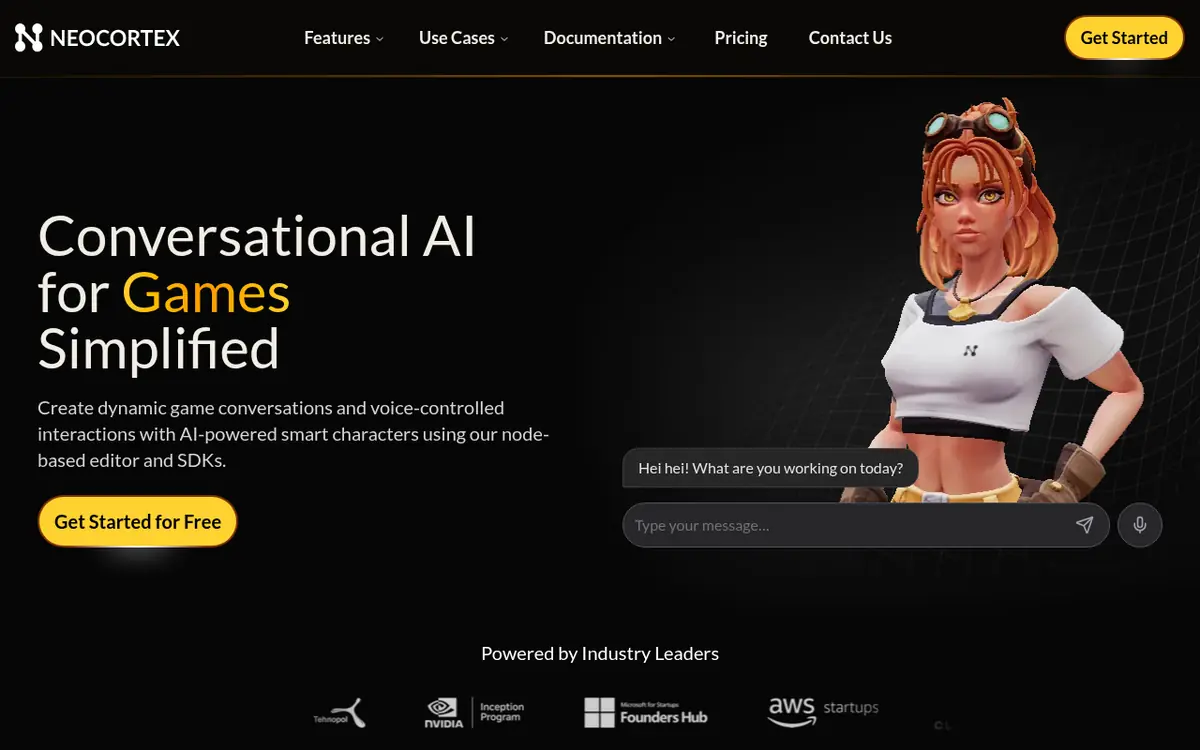
What it is: a platform for designing AI characters in a node editor, with personality, knowledge files, memory and actions, plus open-source SDKs for Unity, Unreal, Godot 4.7+ and the web.
How it works: you design the character in the dashboard and test it in the browser. In Godot you copy the addon into your project, enable the plugin, paste your API key in the Neocortex dock and pick Project > Tools > Neocortex > Complete Voice Chat, which builds a working chat scene. Actions you author on the character call GDScript handlers you register, so your code decides whether something like "give item" actually happens.
Best for: Godot developers, who have fewer choices than Unity or Unreal users.
Standout features: voice chat with lip sync on ARKit-named blend shapes, emotions on every line, NPC actions wired to your own code, and multi-NPC group chat on Pro.
Limits: it runs in the cloud. Its docs note that an exported game carries the API key, as any client-side SDK does. Free and Starter are not for commercial games.
Free plan and price: Free €0 with 2 characters and 200 credits a month, personal use only. Starter €11/mo (€9 yearly) for personal and academic use, Pro €35/mo (€29 yearly) with commercial use and 10,000 monthly credits, and Team €119/mo (€99 yearly).
Commercial rights: from Pro only, per the pricing page. The terms say you own the content you submit.
Tryll Engine: on-device NPCs with no server bills
What it is: middleware that runs a small language model, speech-to-text and text-to-speech on the player's own GPU, for Unity 6+ and Unreal 5.7+ games on Windows.
How it works: you install the plugin, download an open model into the project, and build an agent in a visual graph editor with lore, a role and allowed actions. A Dialog Tester lets you try conversations in the editor. In Unity, the package installs from a Git URL in the Package Manager and then downloads a local server once per version.
Best for: indie PC games that want talking NPCs without cloud costs or sending player data anywhere.
Standout features: no token fees and no player data leaving the device, voice input and voiced replies, and use cases in its docs such as ambient barks, voice commands and an in-game assistant.
Limits: Windows PC only for now, and players need decent hardware: Tryll recommends a GPU with 8 GB of VRAM, 16 GB of RAM and 10 to 20 GB of disk for models. Small local models are less capable than the big cloud models.
Free plan and price: free to develop and ship until a game passes $200,000 in gross revenue, then a 1% royalty on gross revenue. Custom licenses are offered for studios.
Commercial rights: yes, with no seat or per-token fees, under that royalty model.
Lingotion Thespeon: offline emotional voice acting
What it is: a voice engine that runs inside your game on the player's device and speaks any line live in a licensed actor's voice, with emotions you choose. A web Studio also makes ordinary audio files.
How it works: you pick an actor, add the plugin for Unity, Unreal or Godot (beta), and send lines with emotion settings at runtime. Because it only does the voice, you pair it with your own dialogue system or a language model.
Best for: dynamic NPC lines (names, numbers, reactions) that you can't record ahead of time, in games that should work offline.
Standout features: 33 emotions you can blend over time, no per-line or usage fees, and voices licensed from paid actors who agreed to be cloned and receive royalties.
Limits: it's a voice layer, not a full NPC brain. The Godot plugin is in beta, and Unreal support is for C++ projects.
Free plan and price: two free starter actors for testing in the engine plus 2,000 free Studio tokens. Shipping needs a one-time license per actor per game title; Lingotion offers small studios a lower fee plus revenue share.
Commercial rights: paid license required to publish, even with the starter actors.
Charisma.ai and ElevenLabs: two other routes
Charisma.ai builds interactive conversational stories in a graph editor that mixes scripted and generative dialogue, with memories, emotions and voices, and plays them on the web or in Unity or Unreal. It suits branching story games where most of the writing is yours. There's no free plan: a Pro licence starts with a one-month trial of 50,000 credits, then credit bundles from $5. It's now marketed mainly for training, and as of early November 2026 its main site redirects to Charismatic Studio, so check that sign-up still works before you build on it.
ElevenLabs is the simplest route if your lines are written ahead of time: type a script, pick from 5,000+ voices in 90+ languages, and download MP3 or WAV files. It also makes sound effects. The free plan gives 10k credits a month without a commercial license; Starter ($6/mo) adds it, then Creator $22/mo and Pro $99/mo.
How to add your first AI NPC, step by step
The steps below follow each vendor's own setup docs. Menu names can change between SDK versions, so check the linked docs if something looks different.
- Write the character first. One paragraph on who they are, what they know, what they want and what they must never talk about. Keep a short list of facts about your world they can draw on.
- Create the character in the tool. In Convai or Neocortex, that's the web dashboard; in Tryll, the agent graph editor inside your engine. Test a few conversations in the browser or editor tester before touching your game.
- Install the engine plugin. Convai (Unity): install the SDK, open Convai > Settings > Credentials, paste your API key and select Validate & Save. Neocortex (Godot): copy
addons/neocortex-godot-sdkinto your project, enable the plugin in Project Settings > Plugins, and for voice turn on Audio > Driver > Enable Input. Tryll (Unity): add the package from its Git URL in Window > Package Manager, accept the licence and download the server. - Attach the character to an NPC. Convai: add ConvaiCharacter, ConvaiAudioOutput and an AudioSource to the NPC GameObject, set the Character ID, then run GameObject > Convai > Validate Scene Setup. Neocortex: use Project > Tools > Neocortex > Complete Voice Chat and pick your character in the agent's character_id dropdown.
- Connect actions to your game code. Let the AI ask for things, and let your code decide. In Neocortex,
register_actionlinks an action like GIVE_ITEM to a GDScript function that checks the player can actually have the item. - Lock down your key before sharing a build. Convai says API Key mode is for local development and asks you to switch to Auth Token mode, served by your own backend, before distributing a build. Neocortex asks you to keep its settings file out of Git.
- Add guardrails and fill out store disclosures. Limit topics in the character's instructions, filter output in your code if needed, and describe those guardrails in Steam's Content Survey under Live-Generated AI content.
- Estimate running costs. Play the game as a typical player, count how many NPC lines you triggered, and multiply by your expected players to see which plan you'd need.
Example character setups
These are our own examples to adapt, not templates from any vendor.
Example backstory for a shopkeeper: "You are Mara, who runs the only potion shop in Briarwood. You're friendly but impatient with time-wasters. You know the prices of the six potions in your shop and the rumor that the old mill is haunted. You don't know anything about the world outside the valley. Keep replies under two sentences. Never discuss real-world topics; steer back to the shop."
Example action rule: "If the player agrees to buy a potion, trigger SELL_POTION with the potion name. Don't promise discounts." Your code then checks the player's gold before completing the sale.
Example settings to start with: short replies (one or two sentences), text subtitles on alongside voice, and push-to-talk rather than always-on voice detection, so the NPC doesn't react to background noise.
Common mistakes and tips
- Shipping your account key. Both Convai and Neocortex warn that client builds can carry the key. Use the vendor's token mode or your own server for anything public.
- Letting the AI change game state directly. Treat the NPC's choices as requests. Your code should validate every action.
- Long, rambling replies. They cost more and slow the game. Ask for short answers in the character's instructions.
- Forgetting players without internet. Cloud NPCs need a fallback line or a recorded response when the connection fails.
- Using a free plan in a commercial release. Check commercial terms on the exact plan you're on, especially with Neocortex, Lingotion and ElevenLabs.
- Following old Inworld tutorials. Character Studio is gone; use the current Runtime SDKs and templates.
- Making every NPC talk. One or two memorable AI characters are easier to control and cheaper to run than a whole town.
Which should you pick?
By budget
$0: prototype on Convai's free 100 interactions, Inworld's free On-Demand minutes, Neocortex Free or Tryll (free until $200k). For a commercial release at $0 upfront, Tryll is the only one here that's free to ship, with a royalty only above $200k. Under $40 a month: Convai Indie Dev ($29) or Neocortex Pro (€35) for cloud NPCs, or ElevenLabs Starter ($6) for pre-made lines.
By skill
No coding: recorded lines with ElevenLabs, or Convai's dashboard-first workflow with its scene validator. Some coding: Neocortex in Godot, where actions map to simple GDScript functions. Comfortable coding: Inworld's APIs and Runtime SDKs, or Tryll if you want everything on-device. If you build with an AI coding agent, our agent skills directory lists engine skills that can help with the wiring.
By engine
Unity: Convai (Unity 6000.0.80f1+), Tryll (Unity 6000.3+, Windows), Inworld, Neocortex or Lingotion. Unreal: Convai, Inworld's Unreal Agent Runtime, Tryll (5.7+), Neocortex, Lingotion (C++ projects) or Charisma. Godot: Neocortex (4.7+) or Lingotion's beta plugin (4.4+), or Inworld's APIs if you write the calls yourself. Browse more in the Unity, Unreal and Godot hubs.
Modding instead of making a game? AI NPC mods for Skyrim use similar tools; see Skyrim AI NPC mods and the modding hub.
Questions people ask
What is the best AI NPC dialogue tool for a beginner?
For Unity or Unreal, Convai is the easiest start: you build the character in a web dashboard, add the SDK, paste a Character ID and press Play, and its free plan includes 100 interactions a month. For Godot, Neocortex is the most direct option, with a one-click Complete Voice Chat in the editor for Godot 4.7 or later. If you only need recorded lines rather than live chat, ElevenLabs is simpler still.
Can I sell a game with AI NPCs?
Often yes, but it depends on the plan. Convai's terms say you own your content and the AI output. Inworld's pricing table lists a commercial license on every plan. Neocortex only allows commercial use from its Pro plan (€35/mo). Tryll is free to ship until a game passes $200k in gross revenue, then takes a 1% royalty. Lingotion charges a license per actor per game title before you publish. ElevenLabs requires a paid plan from Starter ($6/mo).
Do AI NPCs cost money every time a player talks to them?
With cloud tools, usually yes. Convai counts interactions against a monthly quota, Neocortex uses monthly credits, and Inworld bills text-to-speech per million characters. On-device tools work differently: Tryll and Lingotion run on the player's PC, so there are no per-line fees, though Tryll takes a royalty above $200k and Lingotion sells actor licenses.
Can AI NPCs work offline?
Yes, with on-device tools. Tryll runs the language model, speech-to-text and text-to-speech on the player's GPU, and Lingotion's voice engine runs inside the game on the player's device. Convai, Inworld and Neocortex need an internet connection while the game runs.
Which AI NPC tools work with Godot?
Neocortex has an open-source Godot SDK for Godot 4.7 or later, and Lingotion lists a Godot plugin in beta for Godot 4.4 or later. Inworld's models are standard HTTP APIs, so a Godot game can call them over REST or WebSocket, but you write that code yourself.
Do I have to tell Steam my game uses AI dialogue?
Yes. Steam's Content Survey asks about AI content, and content generated while the game runs counts as Live-Generated. For that, Valve asks you to describe the guardrails that stop the AI from producing illegal content.
Is my API key safe inside a shipped game?
Not by default. Convai says its API Key mode is for local development only and that a build made in that mode carries your account key; it asks you to switch to Auth Token mode before you ship. Neocortex says an exported game carries the key, as with any client-side SDK, and that the settings file holding it should go in .gitignore.
What happened to Inworld's Character Studio?
Inworld retired its legacy Character Studio. Its docs say characters, knowledge, voices and player profiles moved to the Inworld Portal and its Agent Runtime, with character templates in the Unity AI Runtime SDK and the Unreal Agent Runtime SDK.
Sources
- convai.com/pricing
- convai.com/tos
- docs.convai.com/api-docs/…/prerequisites
- docs.convai.com/api-docs/…/configure-api-key
- docs.convai.com/api-docs/…/build-a-custom-scene
- inworld.ai/pricing
- inworld.ai/gaming-media
- docs.inworld.ai/character-studio-deprecation
- docs.inworld.ai/models
- neocortex.link/pricing
- neocortex.link/integrations/godot
- github.com/neocortex-link/neocortex-godot-sdk
- docs.neocortex.link/integrations/…/editor-tools
- tryllengine.com
- tryllengine.com/download
- github.com/TryllEngine/tryll-unity-plugin
- docs.tryllengine.com/llms.txt
- lingotion.com/FAQ/
- lingotion.com/developers/
- docs.charisma.ai/licencing
- elevenlabs.io/pricing
- partner.steamgames.com/doc/…/contentsurvey