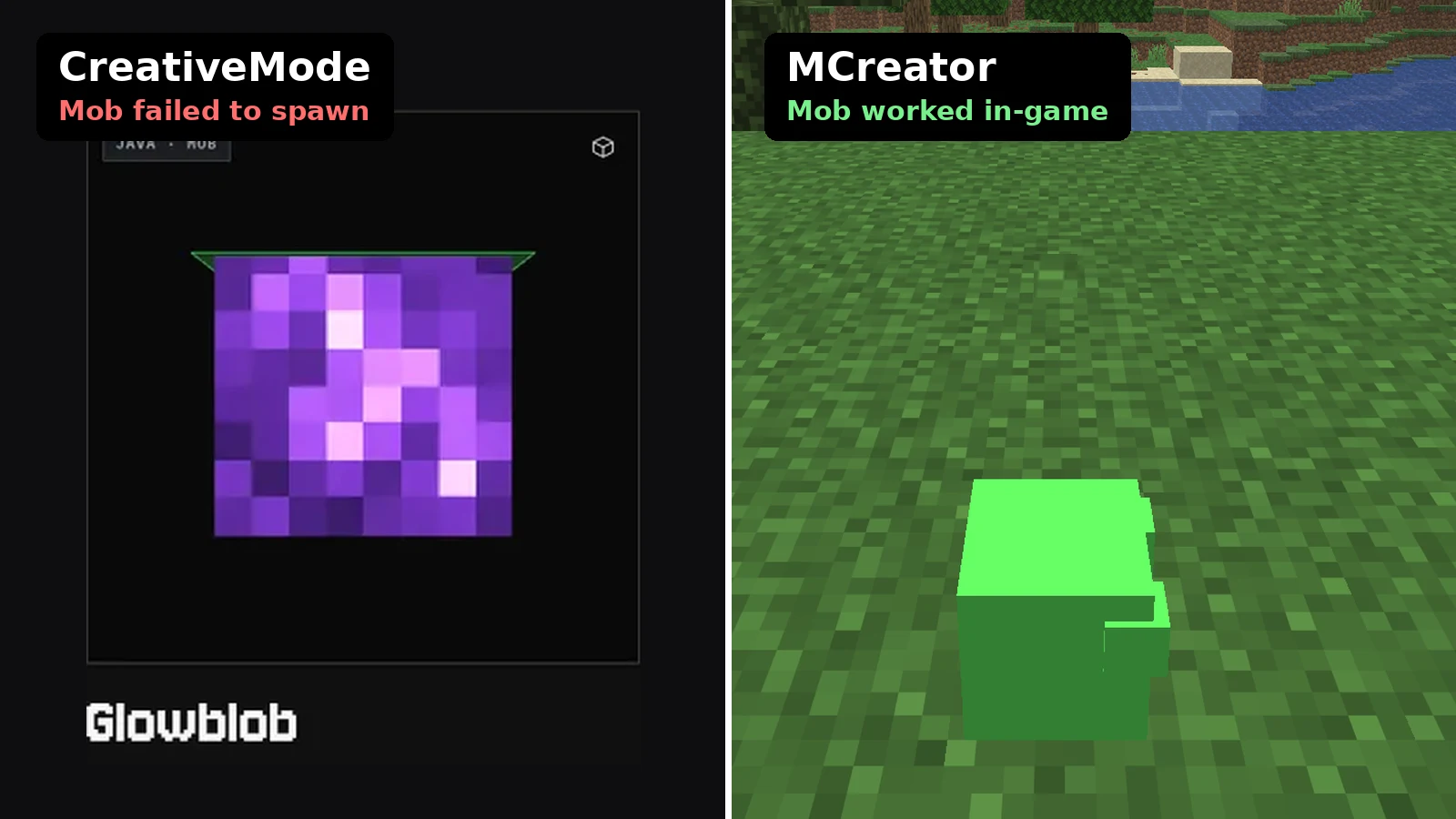
Most “AI Minecraft mod maker” roundups stop at the pricing page. We wanted to see what you actually end up with. So we gave CreativeMode and MCreator the same small brief, built the mod in each, and loaded both mods in Minecraft.
The brief: Glowblob, a friendly glowing cave slime that spawns in caves, drops glowstone dust, and follows players who are holding a torch.
Verdict: In QuickMatch’s same-mob test on November 9, 2026, MCreator’s Glowblob worked in Minecraft, while both CreativeMode versions failed to spawn. CreativeMode got us to a download in about six minutes and MCreator took roughly three times as long, so CreativeMode is the faster way to try an idea and MCreator is the better pick for a mod that works and that you own. Details, caveats and the exact error are below.
How we tested CreativeMode and MCreator
Everything was done on November 9, 2026, on a Linux test machine.
- CreativeMode: a free account, the Mob craft type with Slime as the base, and Java 1.21.5 as the target. Appearance prompt: “A friendly glowing slime mob called Glowblob.” Behavior prompt: “Spawns in caves, drops glowstone dust, and follows players holding a torch.” Then one Edit: “make it bigger and purple.”
- MCreator: stable release 2026.2.33518 with its stock NeoForge 26.1.2 generator. We built one Living Entity with the Slime model, a texture made in MCreator’s texture maker, a glowstone dust drop, a “follow torch in hand” AI goal, and cave spawning.
- In-game: official development clients, not a cracked launcher. CreativeMode’s jars ran on Minecraft 1.21.5 with Fabric Loader 0.20.1 and Fabric API 0.128.2. MCreator’s mod ran on Minecraft 26.1.2 with NeoForge 26.1.2.95, compiled from the MCreator workspace.
This is one mob from one prompt. It is not a verdict on every mod either tool can make. The two mods also ran on different Minecraft versions (1.21.5 for CreativeMode, 26.1.2 for MCreator), so this compares each tool’s output on the target we picked for it, not on an identical game build.
CreativeMode vs MCreator: price, free tier and setup time
| CreativeMode | MCreator | |
|---|---|---|
| Mob worked in-game, our test | No (both versions failed to spawn) | Yes |
| Where it runs | In the browser | Desktop app (Windows, Mac, Linux) |
| Price | Free tier; Pro $19.99/mo; Pro Ultra $39.99/mo | Free and open source |
| Free tier | 300 coins a week, refilled on Mondays | No limits; everything builds locally |
| Cost of our mob | 100 coins (a Custom Beta mob is 250) | $0 |
| Java output | Fabric only (26.1, 1.21.5, 1.20.1) | NeoForge (Fabric only through community plugins) |
| Bedrock | Yes | Yes (Bedrock add-on generator; not tested here) |
| Time to a jar, our test | About 6 min build, after signup and email code | About 2.5 min workspace setup, about 17 min for the whole mob |
| Editable project | No | Yes, the full workspace |
CreativeMode asks for an email, a password and a one-time code before you build anything. The free account starts with 300 coins a week. A regular mob costs 100, so that’s about three mobs a week. Our build took about six minutes, and most of the wait was on the “Finalizing” step. The “make it bigger and purple” Edit took about six more. The coin counter still read 200 afterward, but we only saw this once, so don’t count on edits being free. Pro is $19.99 a month for about 7,500 coins. Pro Ultra is listed at $39.99 for about 18,000 coins (we couldn’t confirm the Ultra coin amount on CreativeMode’s own subscribe page). CreativeMode sometimes offers a $0.50 one-day Pro trial. If you take it, check what it renews into.
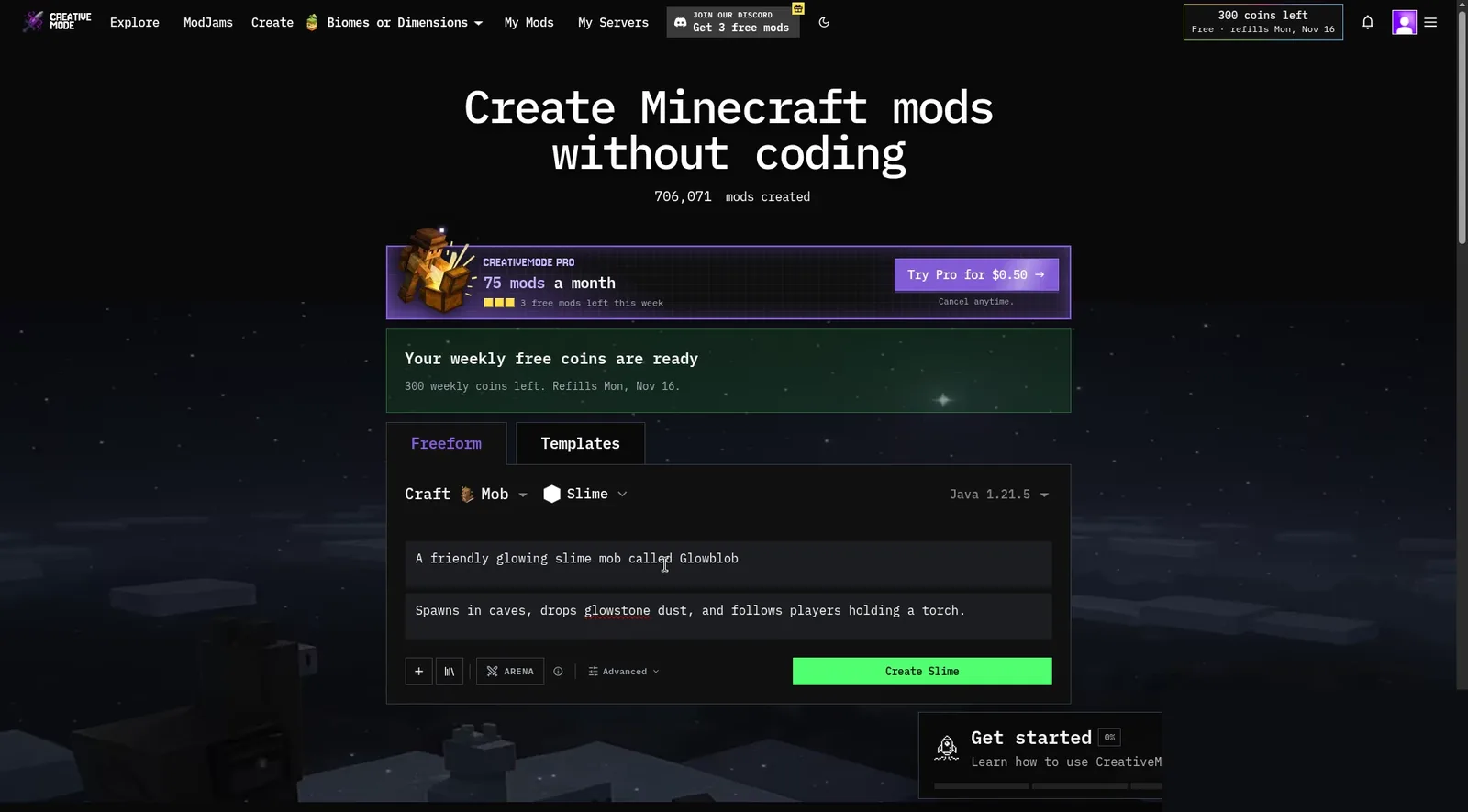
Image: CreativeMode.
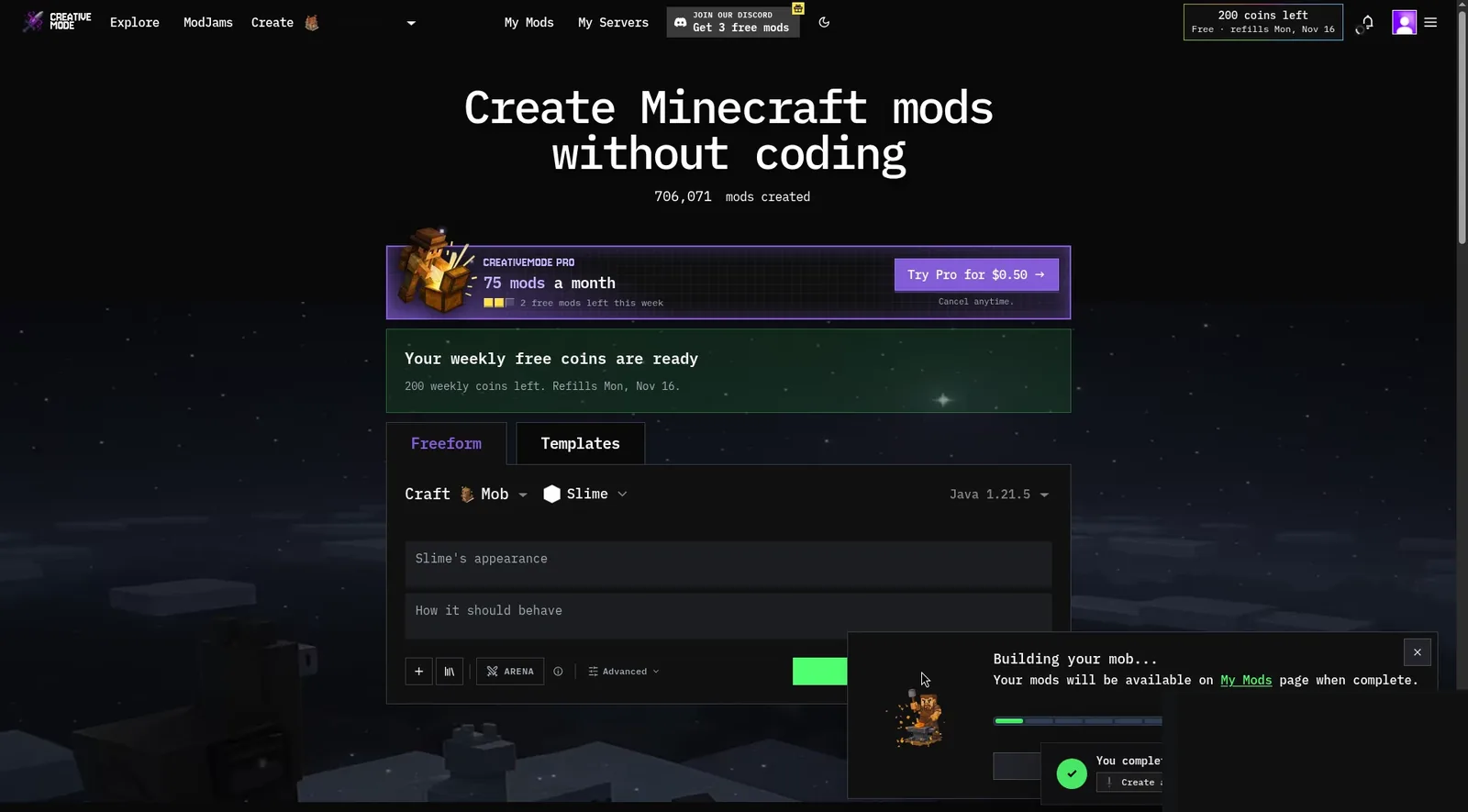
Image: CreativeMode.
MCreator is a roughly 360 MB download and ships with its own Java, so there was nothing else to install. Making the workspace (name, mod ID, NeoForge generator) took about two and a half minutes. Building Glowblob took about 17 minutes for someone who doesn’t use MCreator every day. That covered the entity wizard, the texture, AI goals, biome pickers and a Gradle build. MCreator wouldn’t save the entity until it had a texture, so we drew a 64×32 green one in the built-in texture maker.
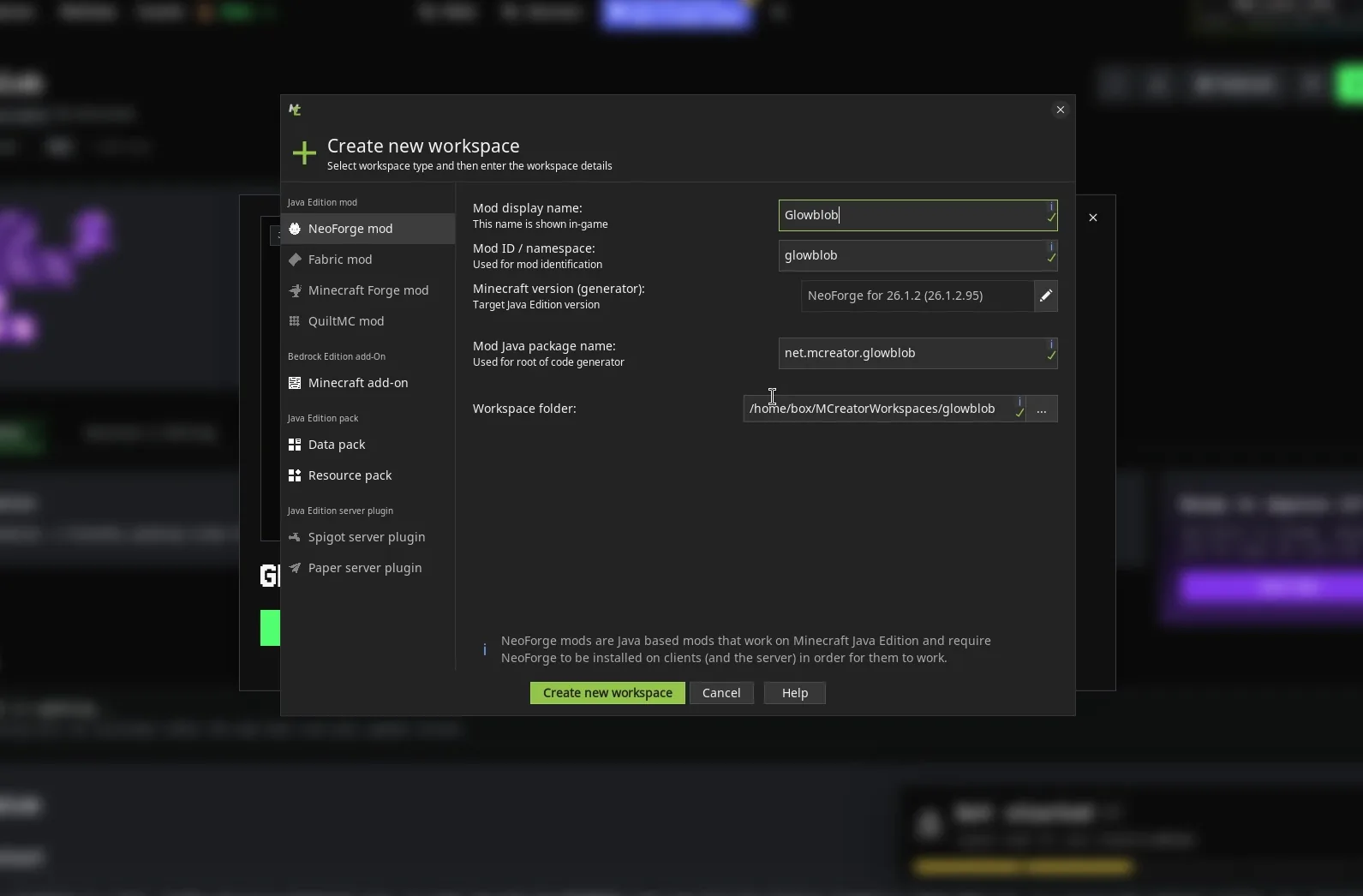
Image: QuickMatch test in MCreator.
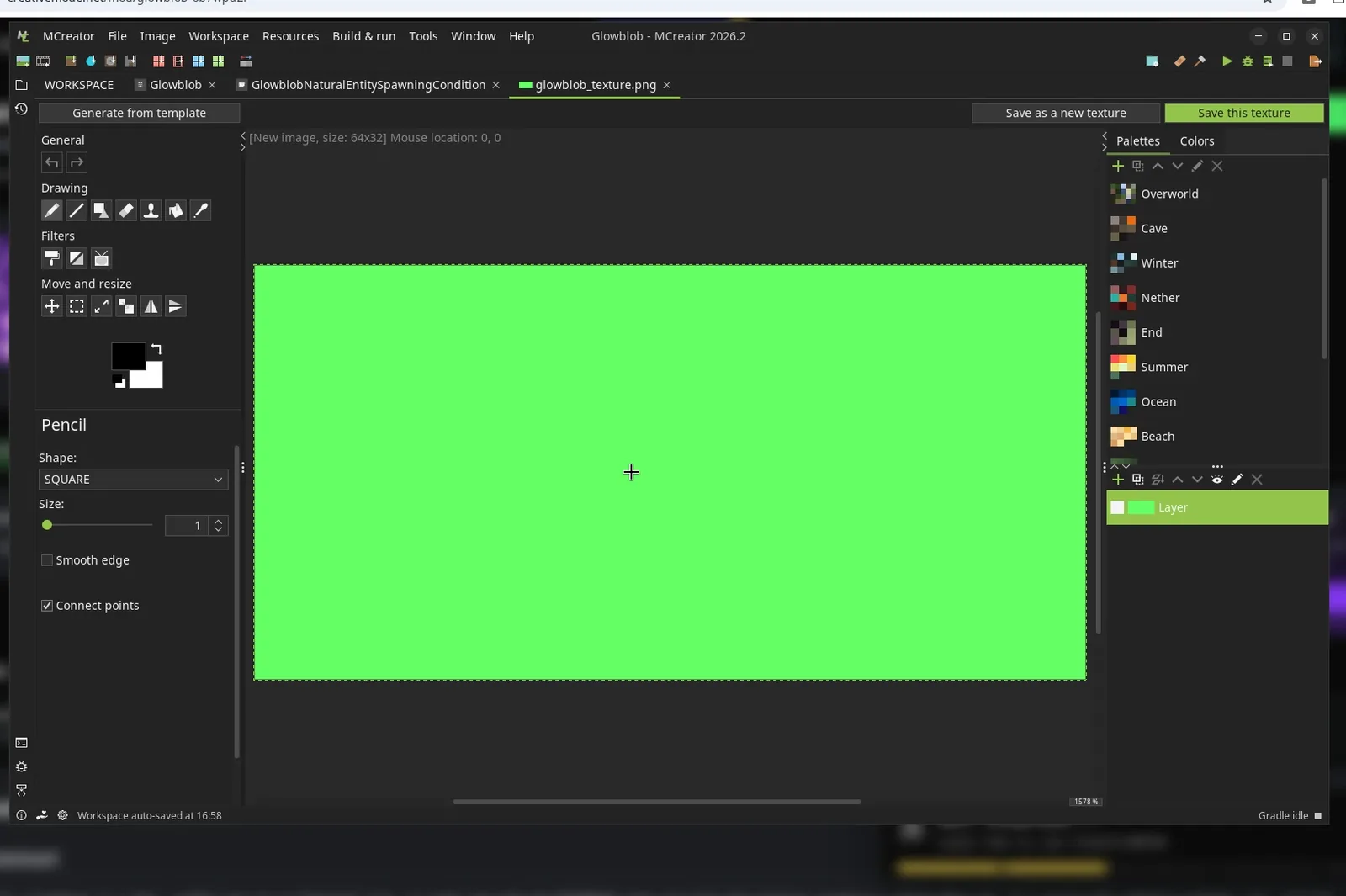
Image: QuickMatch test in MCreator.
How close did CreativeMode and MCreator get to the brief on paper?
CreativeMode’s result page looks complete: a 3D model, a texture sheet, a spawn egg, an auto-written wiki and a feature checklist marked 4/4 Implemented. Its wiki says Glowblob has 16 health, drops 1–3 glowstone dust, spawns in groups in dark caves and follows a torch from up to 32 blocks away. It also says the glow is an outline, not a real light source. When we looked inside the jar, the code matched those numbers. The purple Edit changed the mob’s texture but left the spawn egg green. The egg image file was byte-for-byte the same as in the first version.
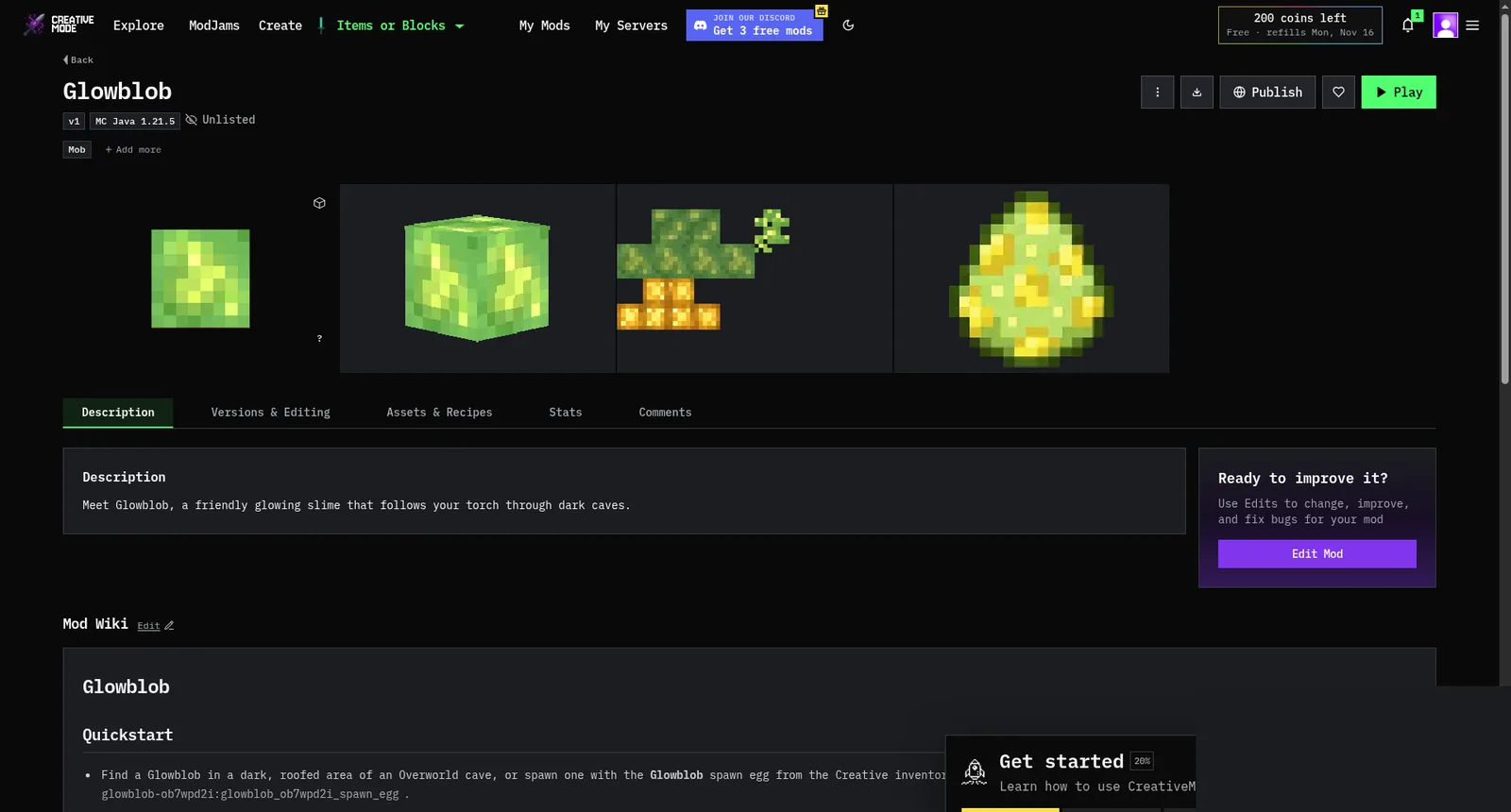
Image: CreativeMode.
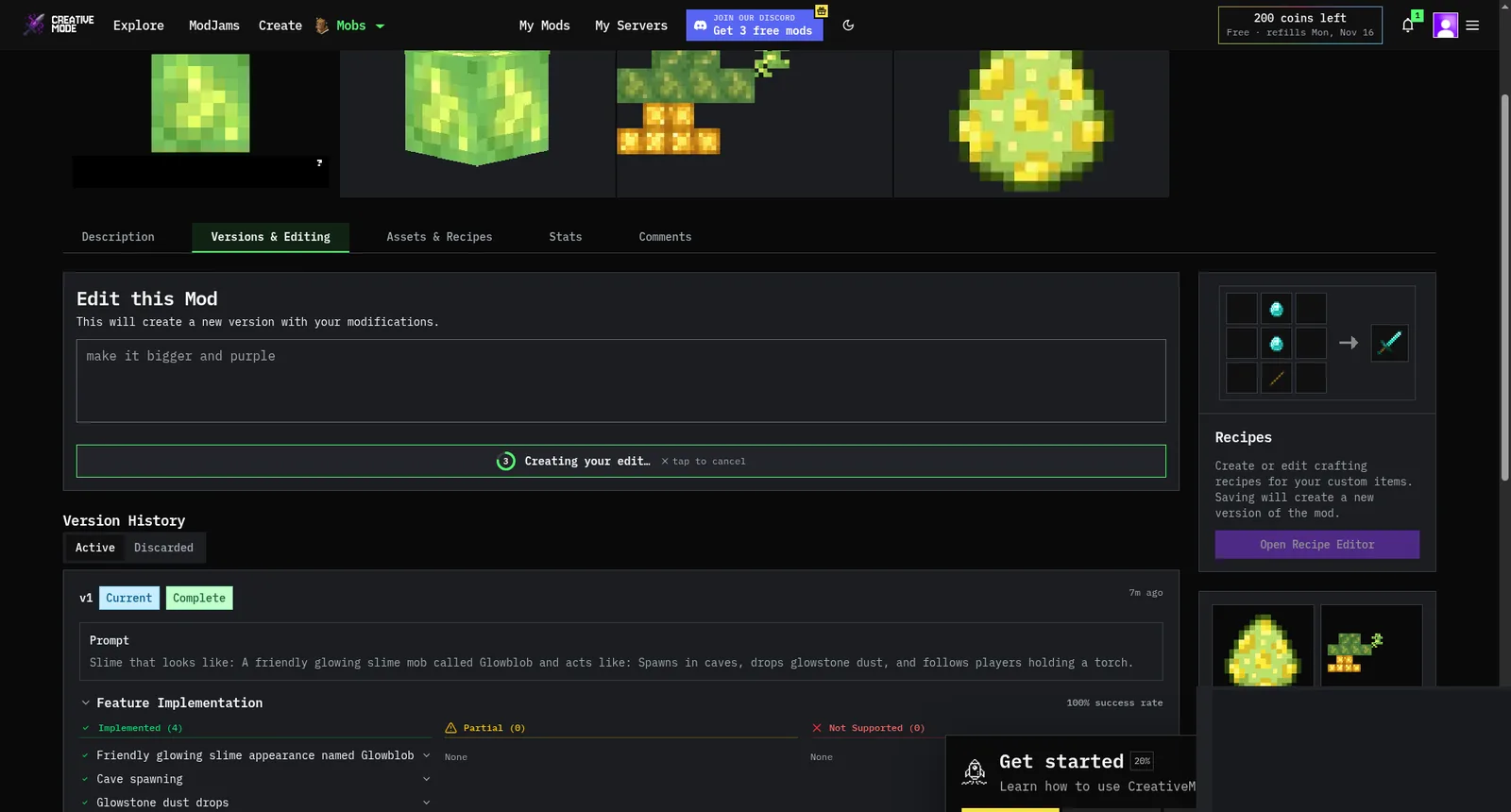
Image: CreativeMode.
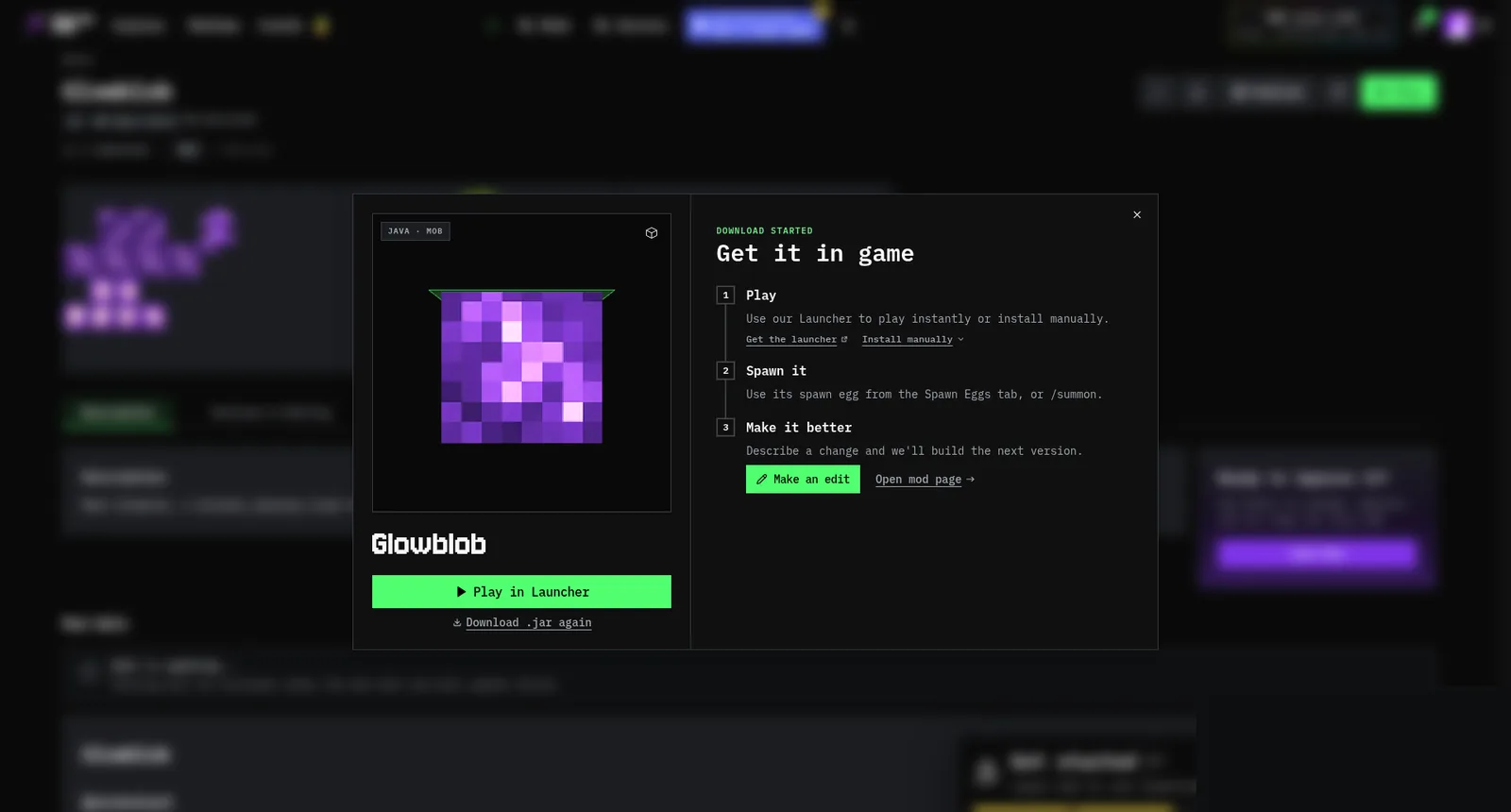
Image: CreativeMode.
MCreator needed workarounds. Its spawn settings take biomes, not “caves,” so we picked Dripstone Caves and Lush Caves. That means Glowblob won’t spawn in ordinary underground tunnels. We didn’t set up a light source, so it doesn’t glow either. The torch-follow behavior was a built-in AI goal we only had to pick from a list.
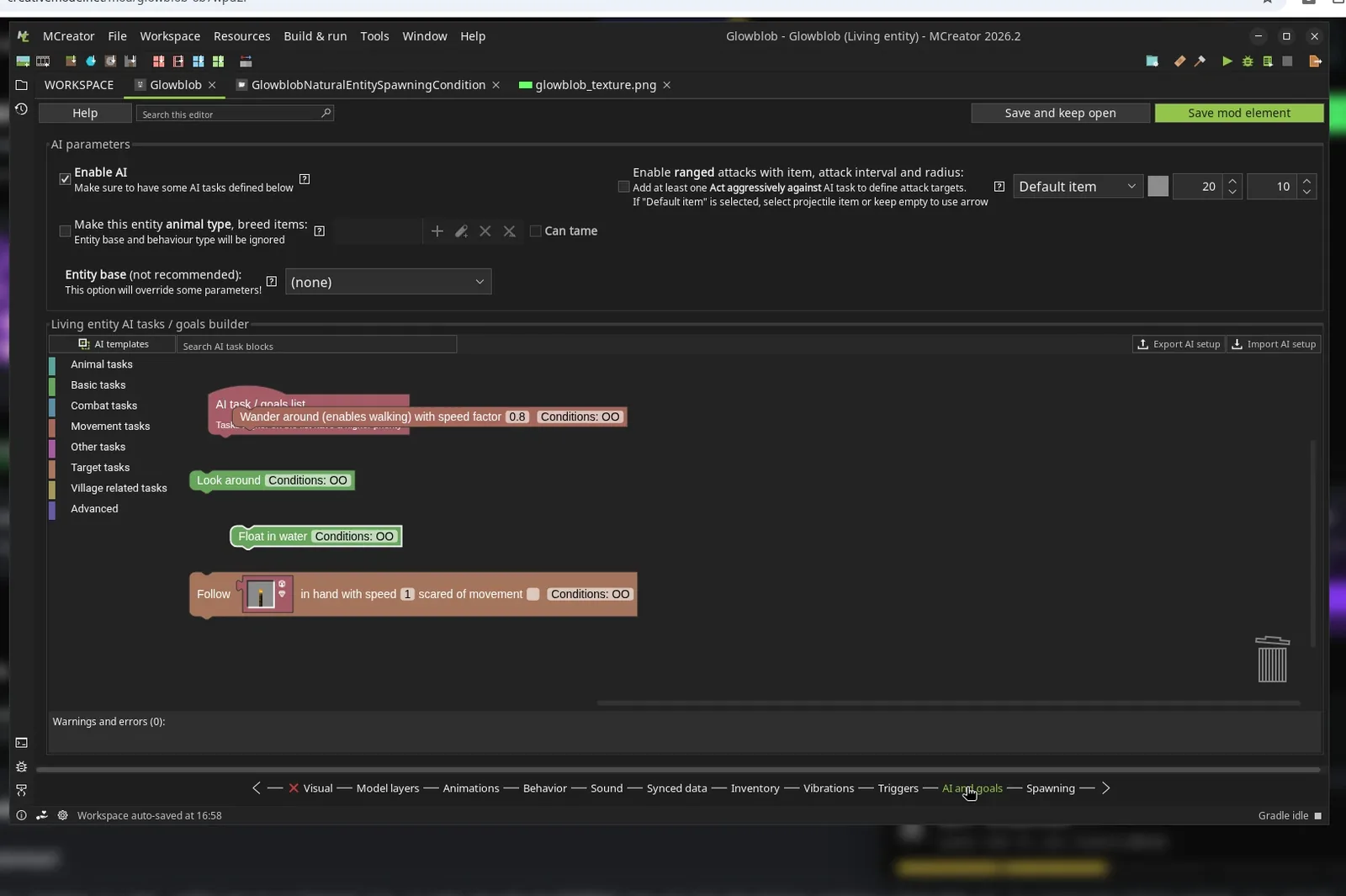
Image: QuickMatch test in MCreator.
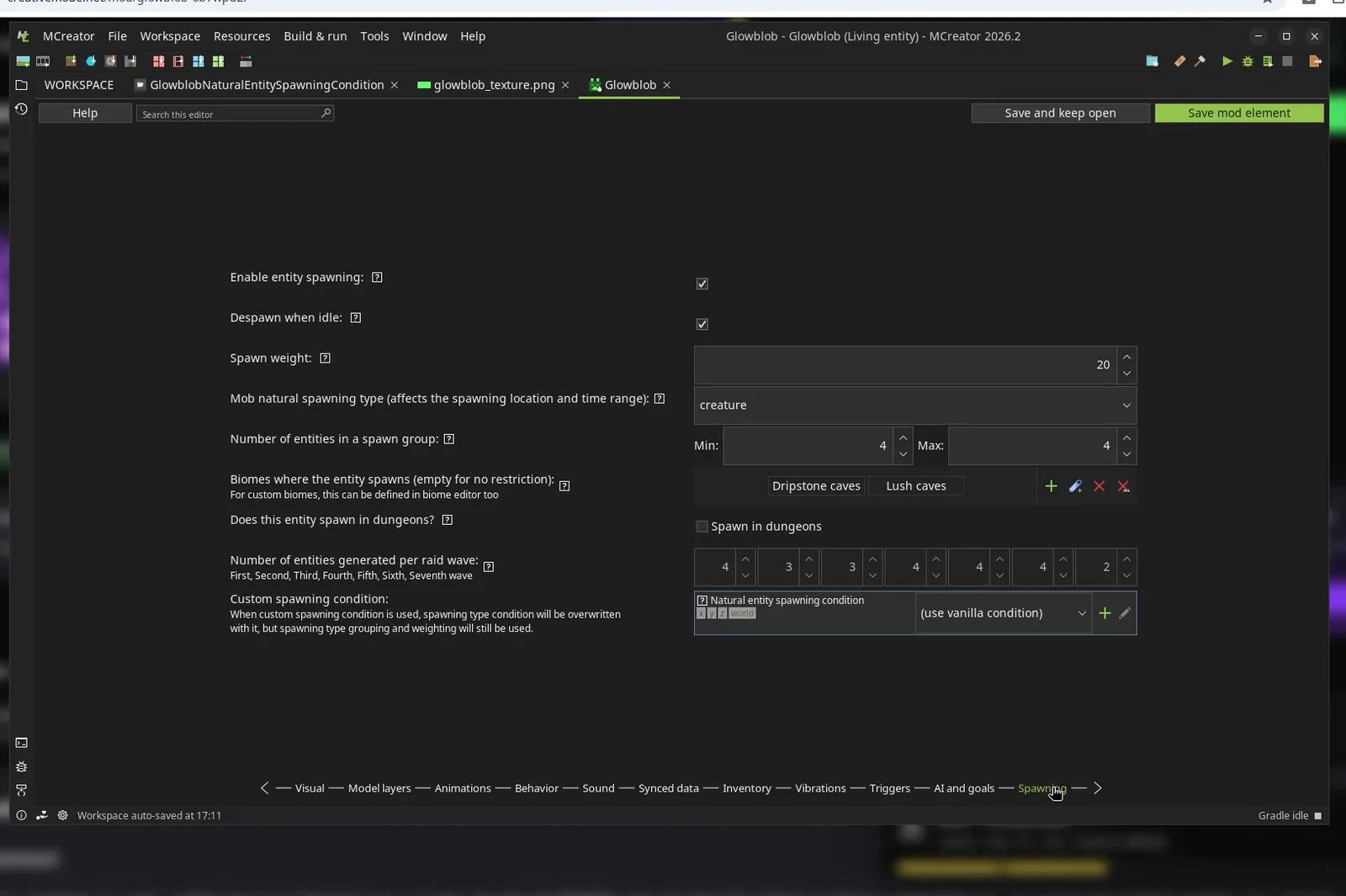
Image: QuickMatch test in MCreator.
Do CreativeMode and MCreator mods work in Minecraft?
CreativeMode: the mod loads, but the mob won’t spawn
Both CreativeMode versions loaded without problems, and the game’s mod list showed them. Then we typed /summon and got the same red line from both: “Unable to summon entity.” The purple version’s spawn egg failed too. We got the egg, but using it produced no mob, and the log showed the same error. The first version’s egg failure didn’t show up in its log, so we can’t confirm it.
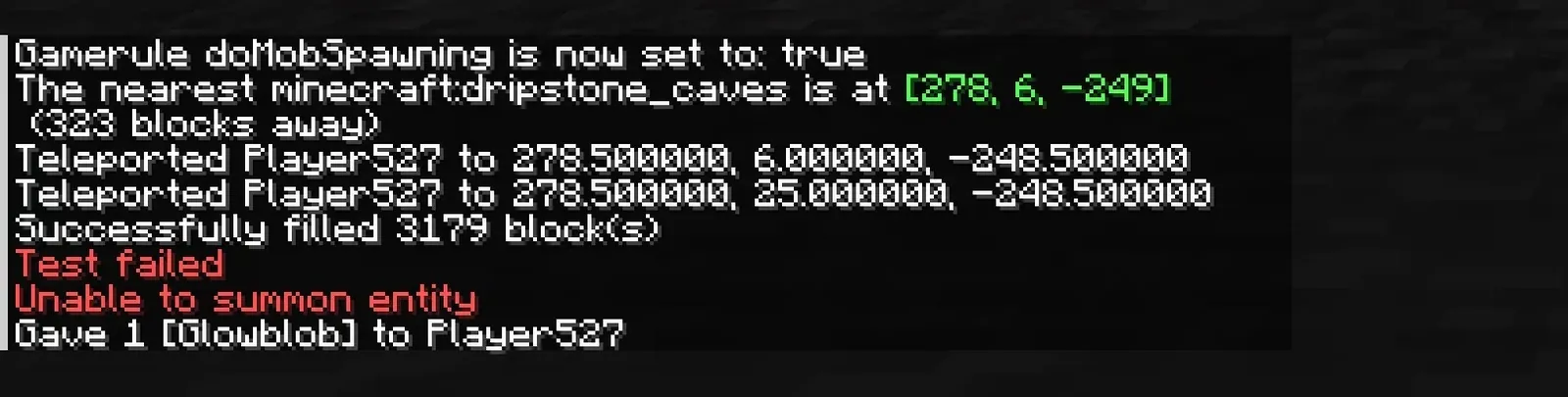
Image: QuickMatch test in Minecraft.
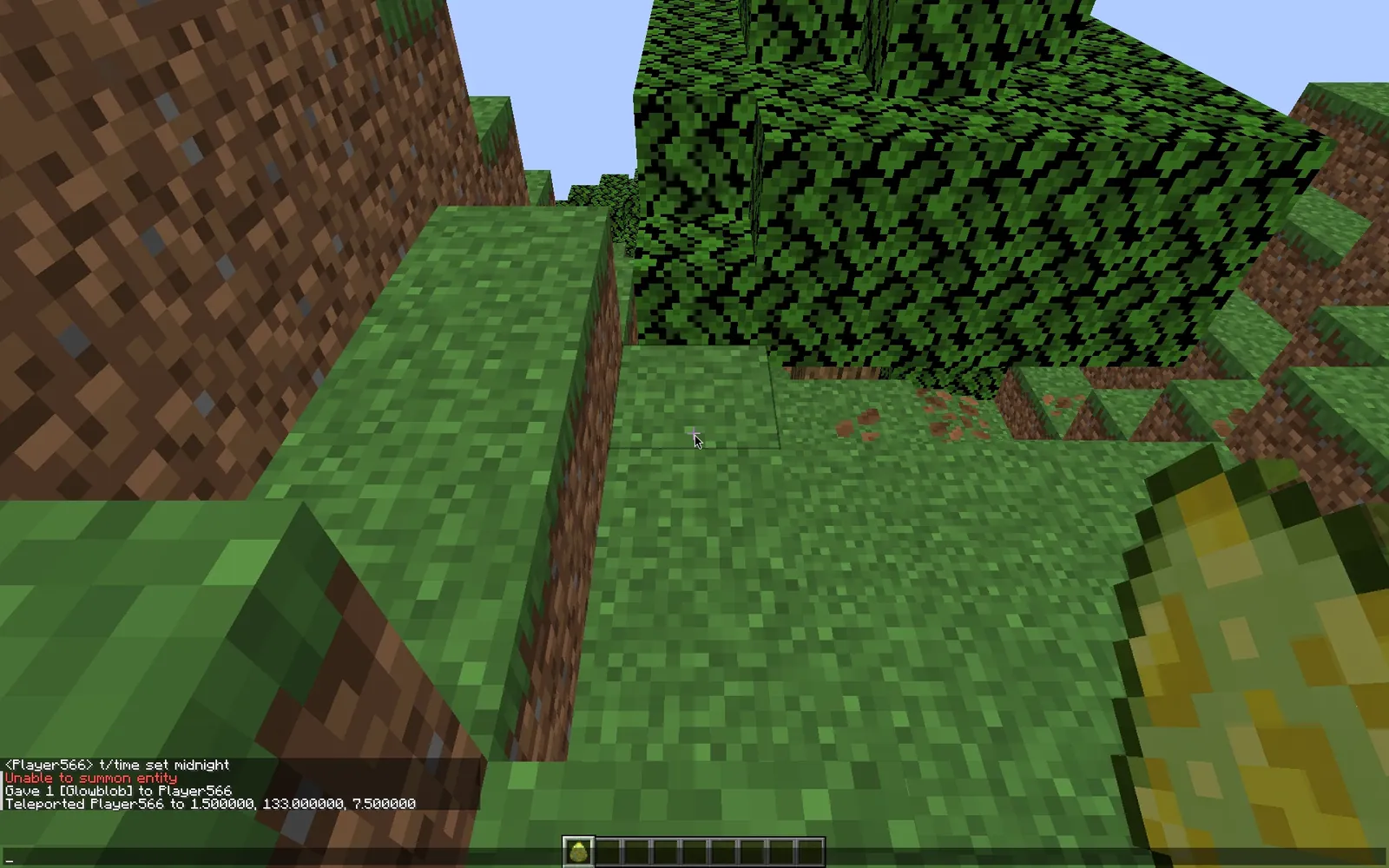
Image: QuickMatch test in Minecraft.
This is the error from the game log, the same in both versions:
java.lang.NullPointerException: Cannot invoke "net.minecraft.world.entity.ai.attributes.AttributeInstance.setBaseValue(double)" because the return value of "net.minecraft.world.entity.monster.Slime.getAttribute(net.minecraft.core.Holder)" is null
	at knot/net.minecraft.world.entity.monster.Slime.setSize(Slime.java:108)
In plain terms: CreativeMode built Glowblob on top of Minecraft’s slime, but gave it a list of stats meant for a generic mob. That list includes health, speed, follow range and tempt range, but no attack damage. A slime sets its attack damage whenever its size is set, so the game throws an error looking for a stat that isn’t there, and the summon fails. The game itself keeps running. We confirmed this by looking inside the jar and in Minecraft 1.21.5’s own code. The checklist still said 4/4.
To be fair to CreativeMode: this came from one prompt, one base mob and one Java version. Other mobs may work fine. Asking CreativeMode’s Edit to fix the summon error might work, and so might a fix on CreativeMode’s end. We didn’t try either. We also didn’t test the Bedrock output. Still, the tool never warned us. If you can’t read a Java stack trace, you’d be left with a mod that “doesn’t work” and no idea why.
MCreator: it works, with two gaps
/summon worked the first time. Glowblob showed up as a small bright green cube. It didn’t attack. When we held a torch it followed us, and when our hand was empty it stopped. In our first session we removed it with the /kill command, and the game log shows it dropped one glowstone dust. In the daylight reshoot we switched to Survival and killed one by hand, and it dropped dust too. The generated code drops one dust per kill, so the stack of two in our inventory shot came from more than one Glowblob that session. One odd detail: with hitboxes turned on, the hitbox is clearly bigger than the cube you see.
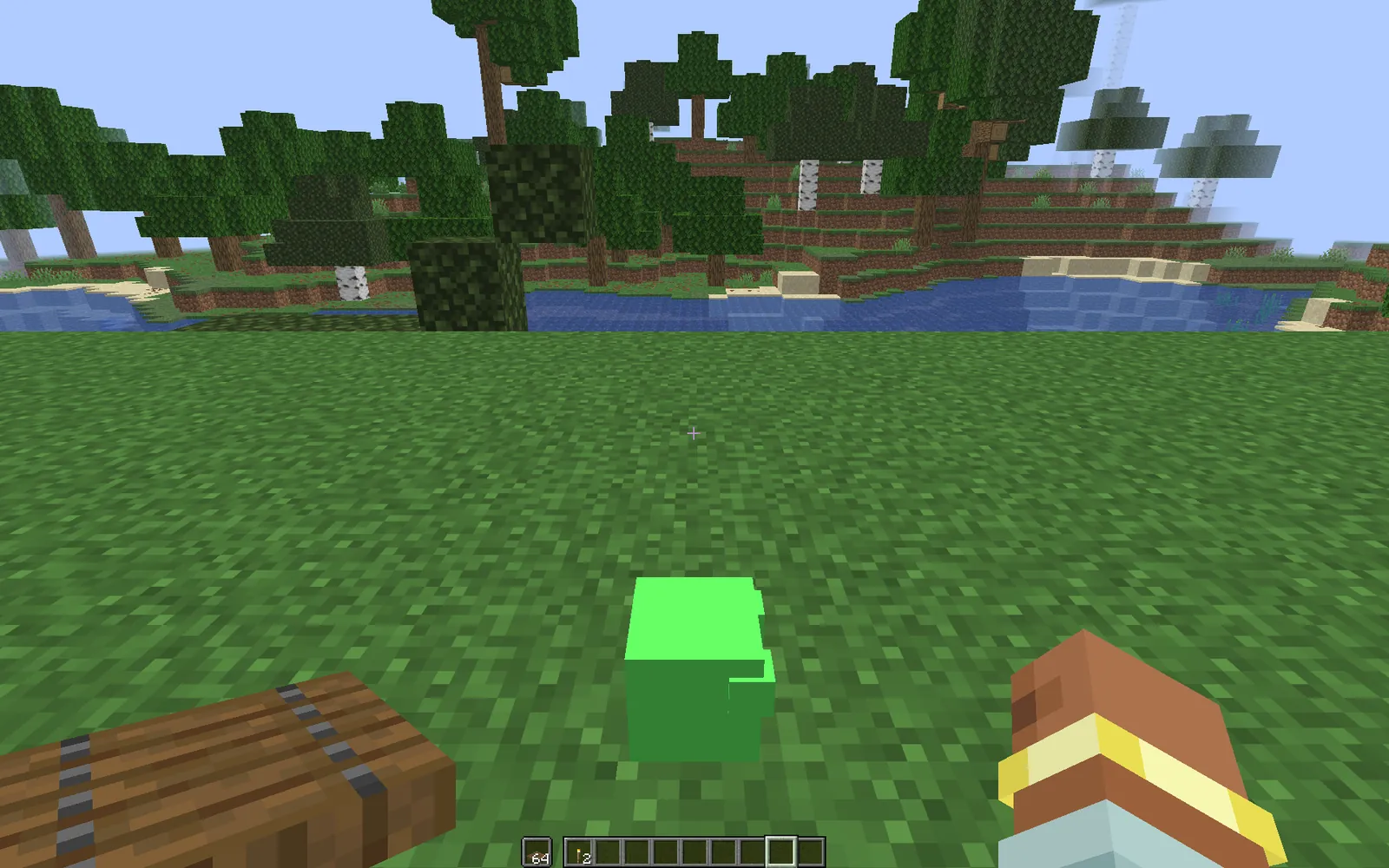
Image: QuickMatch test in Minecraft.
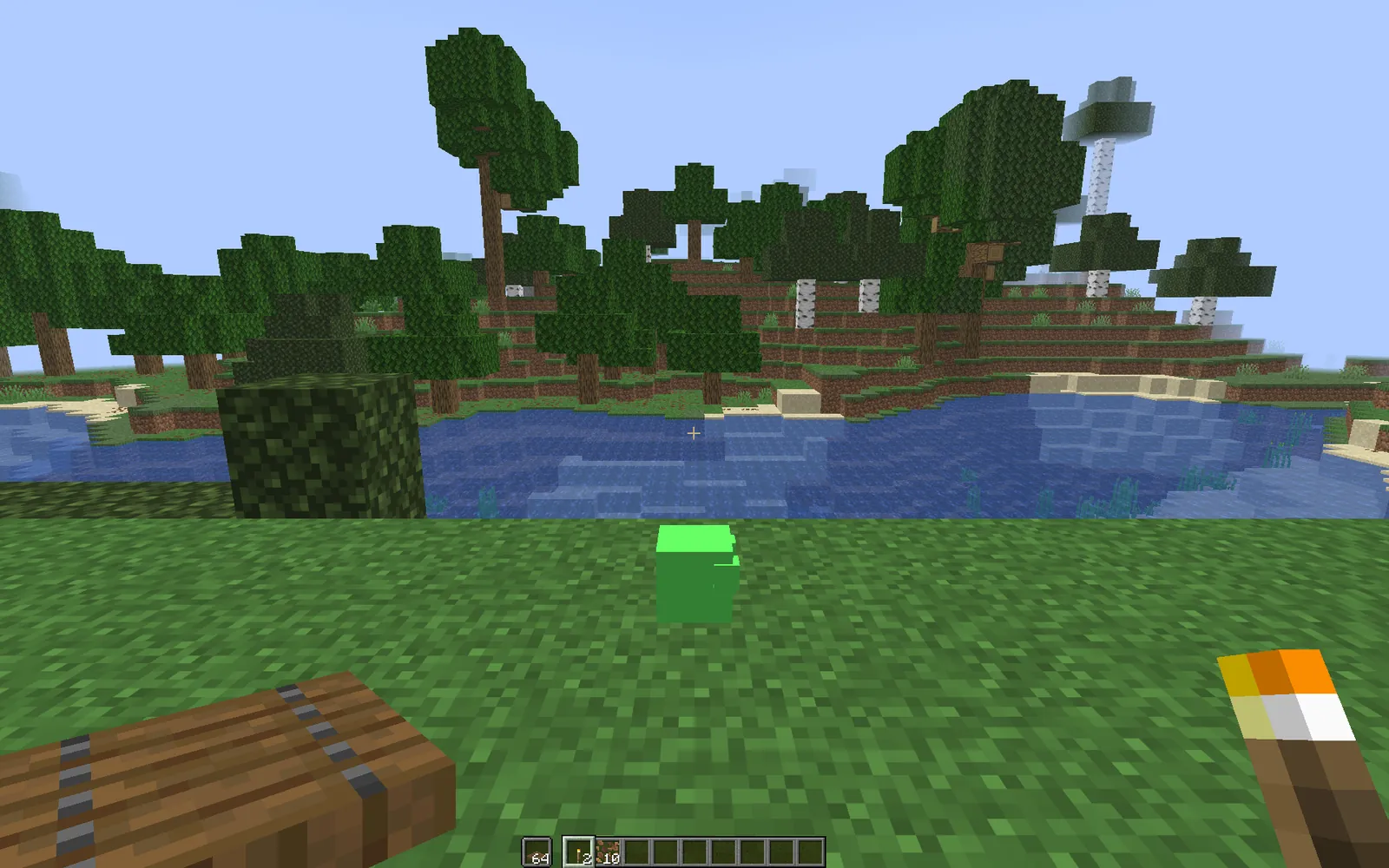
Image: QuickMatch test in Minecraft.
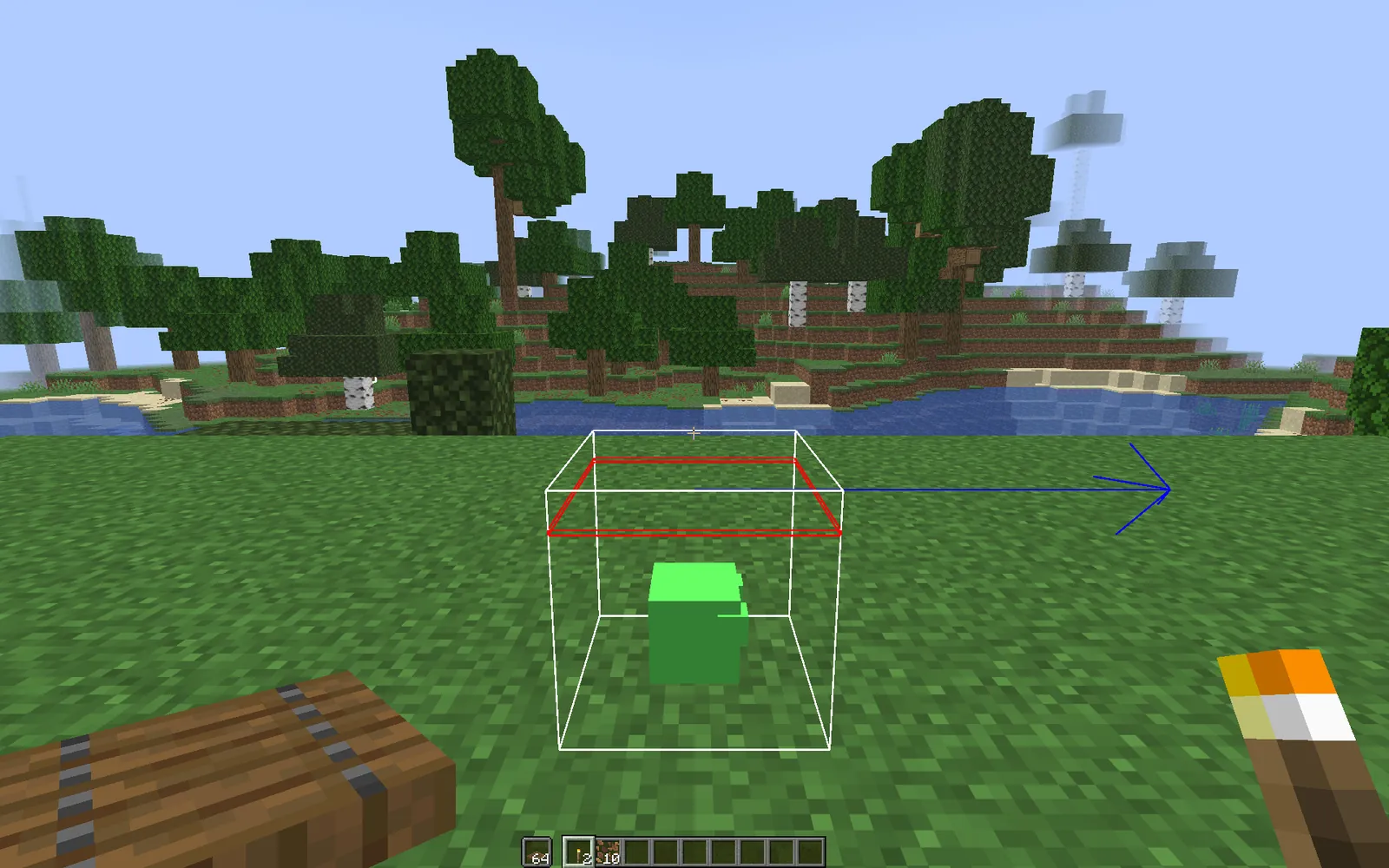
Image: QuickMatch test in Minecraft.
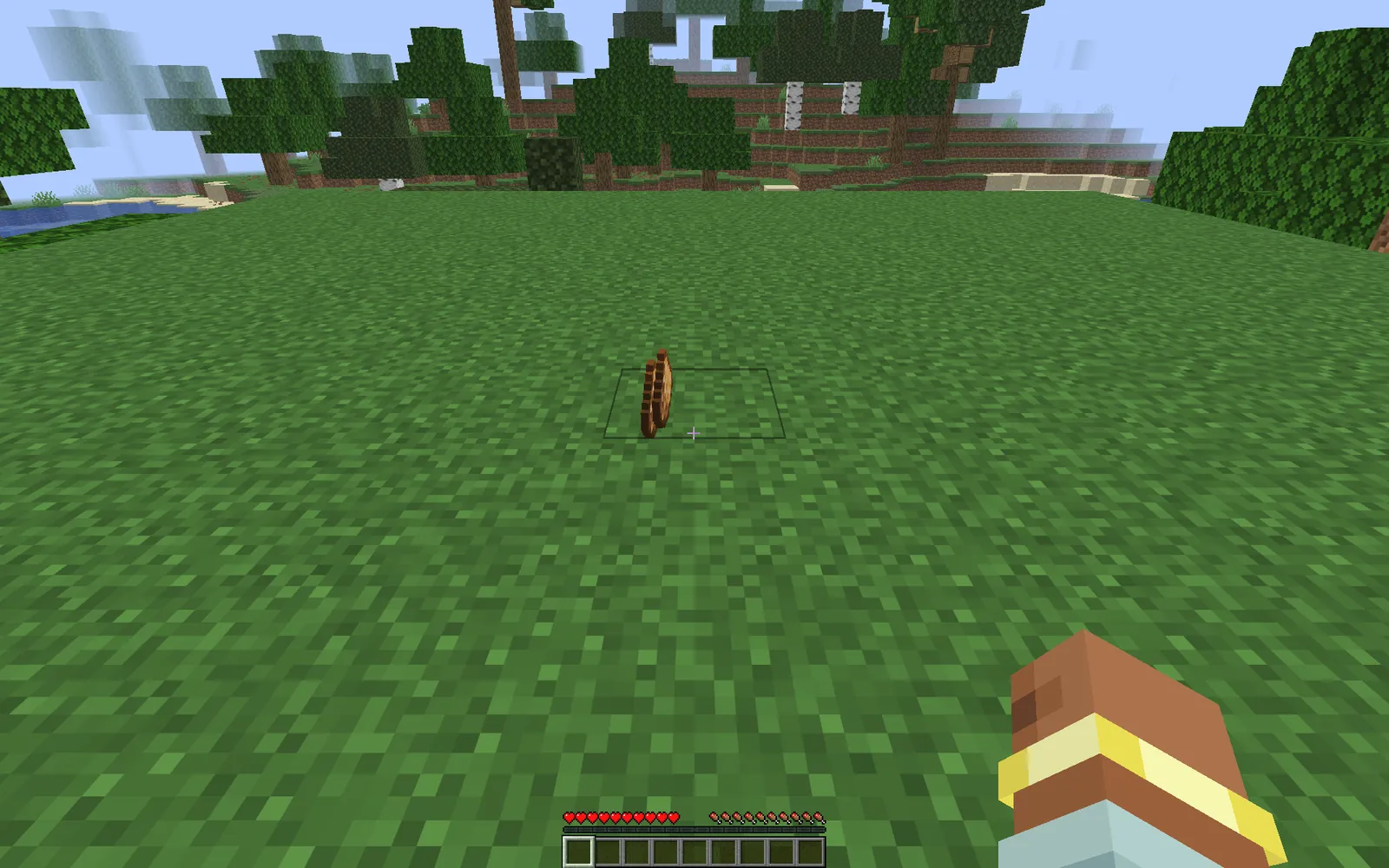
Image: QuickMatch test in Minecraft.
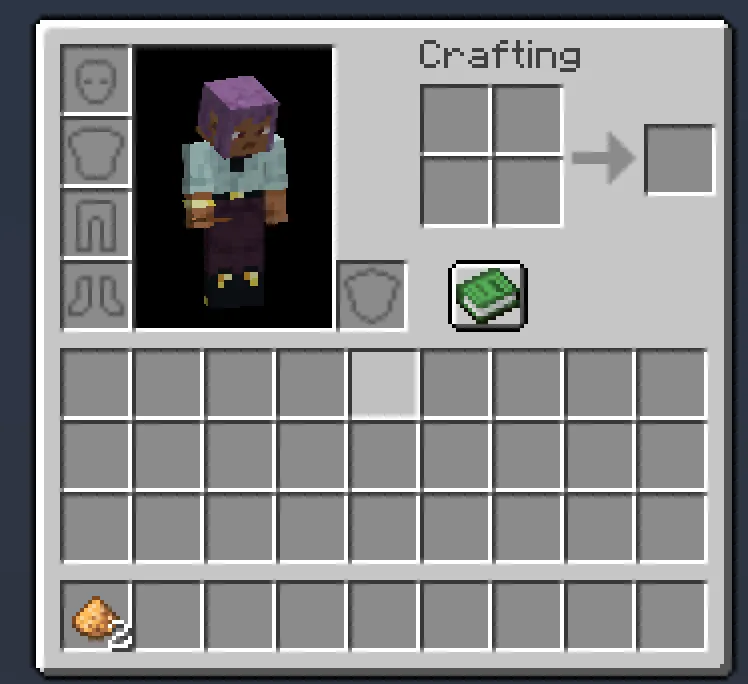
Image: QuickMatch test in Minecraft.
There were two gaps. First, Glowblob doesn’t light the area around it. That’s on us, since we never set a light level. Second, we didn’t see one spawn on its own in about three minutes near a dripstone cave. That’s too short to tell, because natural spawns are random and our spawn rules were narrow. Natural spawning is unverified in this test.
Who owns a mod made with CreativeMode or MCreator?
CreativeMode: under the CreativeMode Mods License v1.2 (effective August 17, 2026), the mods it makes are the “exclusive property” of Argon, Inc., which runs CreativeMode. You can play them and share them unmodified, with credit and a link. You can’t sell them, put them in paid modpacks, or run them on premium-gated servers. The jar’s own metadata says “ARR” (all rights reserved) and lists the author as “anonymous using CreativeMode.net.”
Each CreativeMode jar also carries a second, nested mod: creativemode-telemetry version 0.4.9. It runs on the client only, and it loaded in our game alongside Glowblob. Its description says it “collects opt-out usage telemetry for mods generated by CreativeMode.” It’s set to send data to telemetry.creativemode.net, and it has a settings screen with a “Share CreativeMode usage data” toggle. That screen says it collects a random installation ID, playtime, session outcomes, versions and installed mod IDs, but not your account name, server addresses, chat or worlds. That’s what the files say. We didn’t capture network traffic, so we haven’t checked what is actually sent.
MCreator: the app is GPL-3.0, with an exception that lets you license the mods it generates however you like. Our jar’s metadata said license="Not specified", so set that yourself before you share. There’s no telemetry mod inside. One quirk: the exported file was named modid-1.0.jar even though the mod ID was glowblob, so rename it before you upload.
Minecraft’s EULA applies to both, including its limits on making money from mods. If you plan to post on Modrinth, read our AI Minecraft mod makers guide on its rules for mainly-AI projects first.
Who should use CreativeMode, and who should use MCreator?
- Kids and players who just want to try an idea: CreativeMode is still the easiest starting point. Describe it, wait and download. Plan to test it in-game straight away, and accept that the mod belongs to CreativeMode and includes telemetry.
- People who want to learn modding: MCreator. You’ll see how entities, AI goals, spawn rules and builds connect, and you keep the project.
- Anyone building something to maintain or share widely: MCreator, or hand-written code. You own the output and can fix it yourself.
- Server owners: pick by loader first. CreativeMode makes Fabric mods. Stock MCreator makes NeoForge mods. CreativeMode’s license also rules out premium-gated servers.
Verdict: CreativeMode or MCreator?
In QuickMatch’s test of this brief, MCreator wins. It was slower and asked more of us, but it produced a mob that spawned, followed a torch and dropped its loot, and the project and license were ours. CreativeMode was faster from idea to download, but both versions failed to spawn while its checklist said everything was done, and when a build breaks you have no source code to fix. That failure came from one test, and CreativeMode may well fix it. Until it does, test every CreativeMode mob in-game before you share it.
FAQ
Is CreativeMode free?
Partly. The free tier gives you 300 coins a week, refilled on Mondays, and a regular mob costs 100, so that’s about three mobs a week; Pro is $19.99 a month.
Is CreativeMode.net safe?
The jar we downloaded held the mob’s code and textures plus a nested, client-side telemetry mod that reports to telemetry.creativemode.net and can be switched off in its settings. We didn’t do a security audit, so treat that as what one jar contained, not a safety guarantee.
Do CreativeMode mods actually work?
Ours didn’t: in QuickMatch’s November 2026 test, both versions of our Glowblob mob loaded but failed with an “Unable to summon entity” error, even though CreativeMode’s checklist said 4/4. That’s one Slime-based prompt on Java 1.21.5, so test each mod in-game before you share it.
Can you sell CreativeMode mods?
No. Under the CreativeMode Mods License v1.2, mods made with CreativeMode are the property of Argon, Inc., the company behind it. You can play them and share them unmodified with credit and a link, but you can’t sell them, put them in paid modpacks, or run them on premium-gated servers.
Does CreativeMode work with Forge or NeoForge?
No. CreativeMode’s Java output is Fabric only (26.1, 1.21.5 and 1.20.1), and it also makes Bedrock add-ons. For a NeoForge mod, stock MCreator is the option of the two; MCreator supports Fabric only through community plugins.
Does CreativeMode collect data from players?
The CreativeMode jars we downloaded each included a nested, client-side mod called creativemode-telemetry (version 0.4.9). Its settings screen says it collects a random installation ID, playtime, session outcomes, versions and installed mod IDs, and it has a toggle to turn sharing off. We didn’t capture network traffic, so we haven’t checked what is actually sent.
Is CreativeMode or MCreator better for beginners?
CreativeMode is easier to start with: you describe a mob in the browser and download it a few minutes later. MCreator takes longer to learn, but it teaches how mods fit together, and in QuickMatch’s test it was the only one of the two whose mob worked in the game.
Is MCreator free?
Yes. MCreator is free and open source under GPL-3.0, with an exception that lets you license the mods you make however you like.
Does MCreator have AI?
Not in the stable 2026.2 release we used; its “AI” settings are behavior goals for mobs, not a chatbot. The 2026.3 early-access build adds a local MCP server so outside AI agents like Claude Code or Cursor can work in your MCreator workspace, which we didn’t test.
Sources
- CreativeMode
- CreativeMode FAQ
- CreativeMode subscriptions
- CreativeMode Free Tier changelog
- CreativeMode Mods License
- CreativeMode privacy policy
- MCreator download
- MCreator generator versions index
- MCreator changelog
- MCreator on GitHub
- MCreator 2026.2.33518 release
- MCreator 2026.3.44621 early-access release
- Minecraft EULA
- Modrinth content rules
- Modrinth: disclosure and usage of AI
Minecraft is a trademark of Mojang Synergies AB. This article is independent editorial coverage and is not affiliated with or endorsed by Mojang, Microsoft, CreativeMode or MCreator.