AI tools can make a browser game playable in an afternoon, but the files they hand you are often heavy. This guide is for games built with Cursor, Claude Code, Lovable, Bolt or Rosebud, with AI-made assets. Every number comes from an official page or vendor doc, checked on November 2, 2026.
Quick answer
- Find what's heavy first. Sort your build folder by size and run
npx @gltf-transform/cli inspect model.glbon 3D models. It tells you whether a model is heavy on textures or geometry. - Export lighter from the AI tool. Set a lower face count and texture size in Meshy, Tripo, Rodin or Sloyd before you download.
- Compress every GLB with one command.
gltf-transform optimize in.glb out.glb --texture-compress webp --texture-size 1024. On one Khronos sample model, this took the file from 3.77 MB to 0.55 MB. - Don't ship WAV. Convert music and sound effects to Ogg or MP3.
- Load the first level only, then load the rest while the player is already playing.
- Know your budget. Poki suggests 5 MB or less to start. CrazyGames needs 20 MB or less for its mobile homepage. itch.io caps any single file at 200 MB.
Why is my vibe-coded game slow to load?
Usually it's the assets, not the code. AI 3D generators export detailed meshes with large textures, and AI music often comes as WAV. The browser has to download all of it, decompress it and upload it to the GPU before the first frame. Measure first, then shrink the biggest files.
CrazyGames' loading guide lists four steps before the first frame: download the files, start the engine, process the assets, and run your startup code. To find the heavy parts:
- Your build folder. Run a production build and sort the output by size.
- Each 3D model.
gltf-transform inspectlists every mesh and texture with its size. - The browser. Chrome DevTools' Network panel shows every file the game loads, and throttling simulates a slow connection.
How big should a web game be?
There's no single limit. The strictest common target is Poki's: an initial download of 5 MB or less and 8 MB in total. CrazyGames requires 50 MB or less before gameplay starts (20 MB for its mobile homepage), and itch.io caps any single file at 200 MB. Smaller always loads faster.
| Where it's published | Size rule |
|---|---|
| Poki | Initial download should not exceed 5 MB, and 8 MB in total. Poki says players tend to leave if loading takes over 10 seconds. |
| CrazyGames | Initial download 50 MB or less (20 MB or less for the mobile homepage), 250 MB and 1,500 files in total. With its SDK, this is counted up to your first "gameplay start" event. |
| itch.io (HTML5) | ZIP with up to 1,000 files, 500 MB extracted, and no single file over 200 MB. You can contact itch.io about higher limits. |
| Bolt | Projects must be under 100 MB to publish. |
| Lovable | Single files over 10 MB can't be saved in the project's code. Lovable can move them to its CDN if you ask in chat. |
| Rosebud (publishing) | Up to 19 MiB per file, 2,000 files and 1 GiB per game. |
| Vibe Jam | The jam's rules say "NO loading screens and heavy downloads". |
| Google Play | The current size table lists 500 MB for an app bundle's base module, with a mobile-data warning above 200 MB. Some older Google pages still say 200 MB. |
| Apple App Store | Up to 4 GB uncompressed. App Store Connect warns when a download is over the 200 MB over-the-air limit. |
On itch.io, file paths are case-sensitive and absolute paths fail, so use relative paths that match your file names exactly.
How do I reduce GLB file size from Meshy or Tripo?
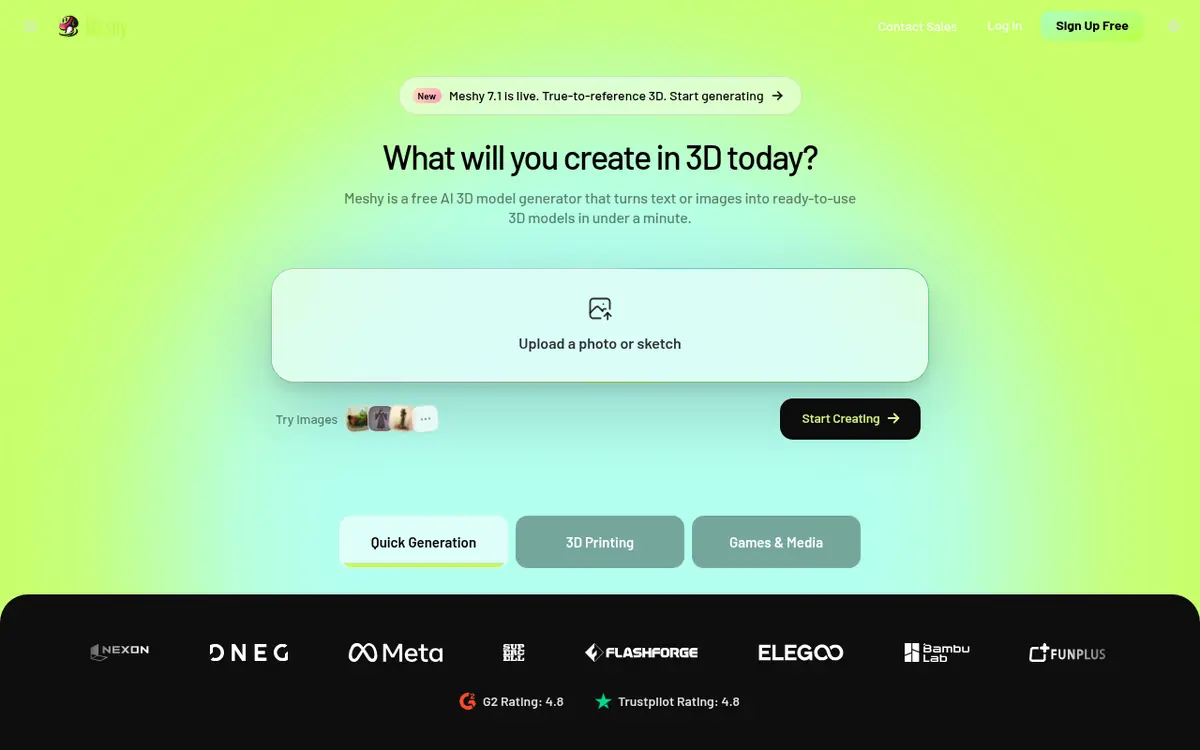
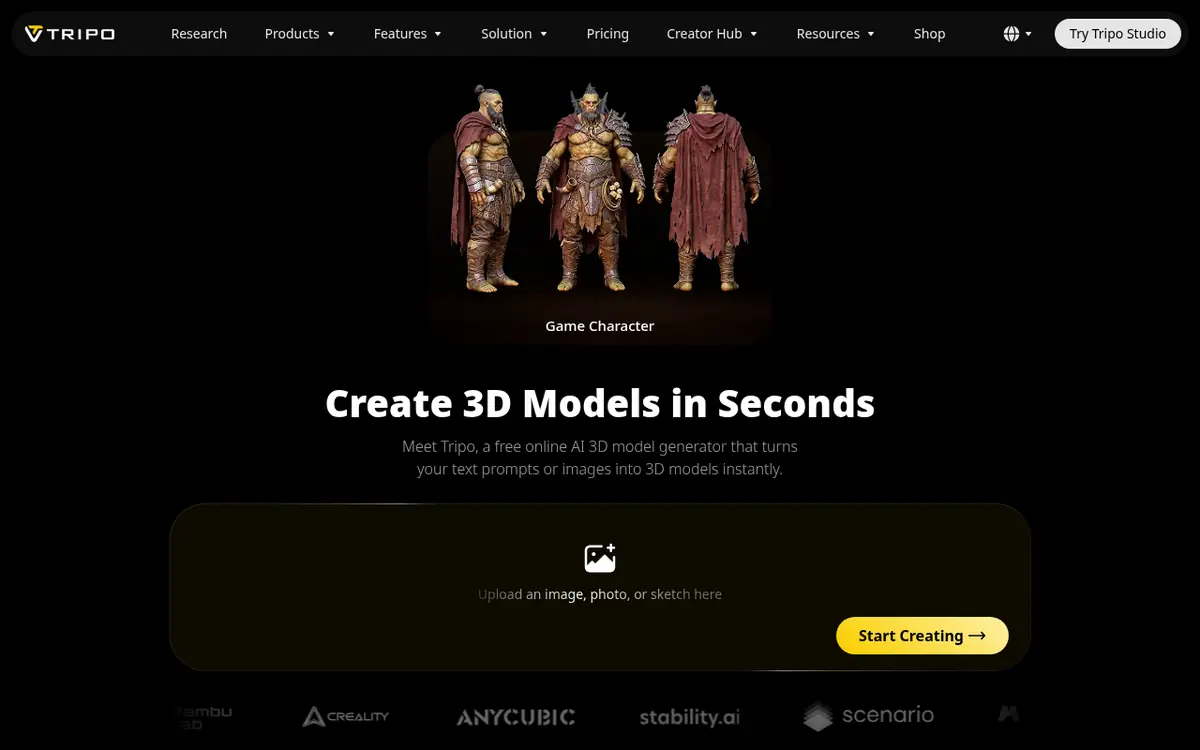
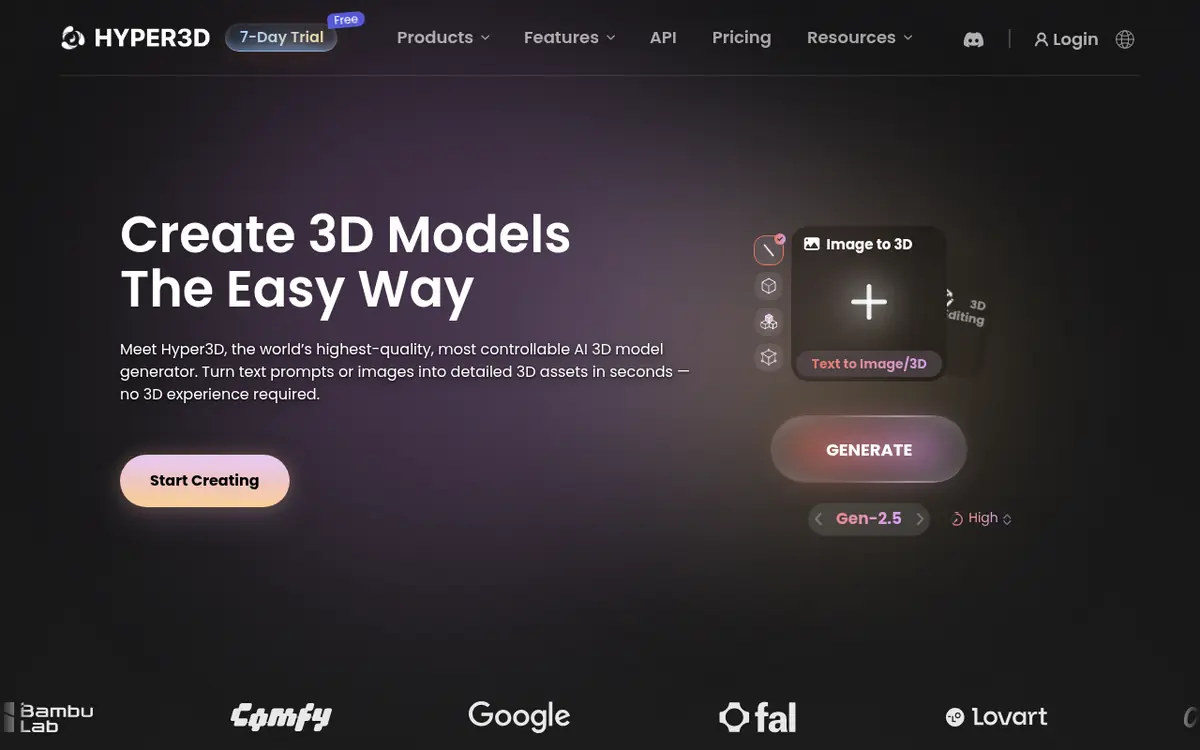
Do it in two places. First, export lighter: set a lower face count and texture size in the generator. Then run the GLB through glTF Transform or gltfpack, which resize and recompress textures, compress the geometry and remove unused data. Check the result in your engine afterwards.
The size settings each generator documents (names from their API docs):
| Generator | Polygon control | Texture control |
|---|---|---|
| Meshy | Remesh to 100 to 300,000 faces (default 30,000), quad or triangle, or a preset level from low to ultra | 2K by default; 4K and 8K are options |
| Tripo | face_limit; Smart Low Poly aims for 1,000 to 20,000 faces (500 to 10,000 with quads) and costs 10 extra credits | Export texture_size defaults to 2048 (4096 on newer models), with JPEG, PNG or WebP output |
| Rodin (Hyper3D) | Gen-2.5 presets: quad 4,000 to 50,000 faces, triangle 20,000 to 1,000,000; custom 500 to 2,000,000 | Not checked |
| Sloyd | targetFaceCount up to 500,000; Low Poly preset about 5,000 triangles | 128 px up to 4K, or none; Low Poly preset 512×512 |
Step by step: from AI model to game
- Pick a polygon budget (see the next section).
- Generate, then cut the face count in the tool, for example with Meshy's Remesh and a target polycount.
- Download GLB. Meshy's docs recommend GLB for the web and three.js. Don't compress the file yet: Meshy's Remesh won't accept a Draco-compressed GLB, so keep compression for the last step.
- Inspect it.
npx @gltf-transform/cli inspect model.glb - Optimize it.
npx @gltf-transform/cli optimize model.glb model-opt.glb --texture-compress webp --texture-size 1024. By default it also applies Meshopt compression and light simplification. - Load it with the matching decoder (three.js code below), then check it in the game from the camera's real distance.
What we measured
We ran glTF Transform 4.5.1 on one model: Khronos's free DamagedHelmet sample, which has 15,452 triangles and five 2048×2048 JPEG textures. It's a standard test model, not an AI-generated one, so your files will shrink by different amounts.
| Command | File size | Change |
|---|---|---|
| Original | 3.77 MB | – |
optimize with defaults | 2.62 MB | −31% |
optimize --texture-compress webp --texture-size 1024 | 0.55 MB | −86% |
Same, plus --compress draco | 0.44 MB | −88% |
Textures were most of the weight, so resizing and WebP did most of the work. glTF Transform estimated each texture's GPU memory at 22.37 MB at 2048×2048 and 5.59 MB at 1024×1024.
How many polygons should a game model have?
It depends on the platform. Meshy's own budget table suggests 3,000 to 5,000 polygons for a casual mobile game character and 500 to 2,000 for a prop. PC and console characters go up to 50,000. If your web game runs on phones, start from the mobile rows and test.
| Platform | Character | Prop | Environment piece |
|---|---|---|---|
| Mobile (casual) | 3,000 to 5,000 | 500 to 2,000 | 1,000 to 5,000 |
| Mobile (high end) | 10,000 to 20,000 | 2,000 to 5,000 | 5,000 to 15,000 |
| PC or console | 20,000 to 50,000 | 5,000 to 15,000 | 10,000 to 50,000 |
| VR | 10,000 to 30,000 | 2,000 to 8,000 | 5,000 to 20,000 |
Source: Meshy's game assets guide. To lower the count of an existing model:
- Blender: add a Decimate modifier in Collapse mode. A Ratio of 0.5 keeps about half the faces, counted as triangles.
- glTF Transform:
gltf-transform simplify in.glb out.glb --ratio 0.5 --error 0.001aims for half the vertices and stops if the shape would change more than 0.1%. - gltfpack:
gltfpack -i in.glb -o out.glb -si 0.5targets half the triangles.
For which generator gives the cleanest starting mesh, see Meshy vs Tripo and the best AI 3D model generators for games.
Draco, Meshopt or KTX2: which should I use?
Draco and Meshopt shrink geometry. KTX2 keeps textures small in GPU memory. Meshopt is glTF Transform's default, decodes very quickly and also compresses animation, but works best when your host gzips files. Draco compresses only triangle geometry. Use WebP textures when download size matters most and KTX2 when GPU memory does.
| Format | What it shrinks | Watch out for |
|---|---|---|
| Meshopt | Geometry, morph targets and animation | three.js needs setMeshoptDecoder (r122 or newer). Pair it with gzip or Brotli on the server. |
| Draco | Triangle mesh geometry only | three.js needs DRACOLoader. gltfpack doesn't write Draco. |
| WebP or AVIF textures | Download size | Fully decompressed on the GPU: glTF Transform's docs say this can use 4 to 8 times more GPU memory than KTX2. |
| KTX2 (Basis Universal) | GPU memory and upload time | Can be a bigger download than JPEG. Khronos suggests UASTC for normal maps and ETC1S for flat, toon or UI textures. Encoding needs KTX-Software installed. |
itch.io's CDN gzips .glb files. Cloudflare's documented compression list includes WASM but not GLB. Example three.js loader for all three (decoder paths are placeholders):
import { GLTFLoader } from 'three/addons/loaders/GLTFLoader.js';
import { DRACOLoader } from 'three/addons/loaders/DRACOLoader.js';
import { KTX2Loader } from 'three/addons/loaders/KTX2Loader.js';
import { MeshoptDecoder } from 'three/addons/libs/meshopt_decoder.module.js';

const loader = new GLTFLoader()
  .setDRACOLoader(new DRACOLoader().setDecoderPath('/draco/'))
  .setKTX2Loader(new KTX2Loader().setTranscoderPath('/basis/').detectSupport(renderer))
  .setMeshoptDecoder(MeshoptDecoder);

const gltf = await loader.loadAsync('/models/chest-opt.glb');
scene.add(gltf.scene);
The Three.js Skills pack teaches coding agents this setup, including glTF loading with Draco, Meshopt and KTX2.
How do I shrink textures and sprites?
Lower the resolution first, then change the format. A 2048×2048 texture has four times the pixels of a 1024×1024 one, and uses about four times the GPU memory. Resize anything the camera never sees up close, save 3D textures as WebP or KTX2, and pack 2D sprites into sprite sheets.
- At the source: pick the smallest texture setting in the table above.
- In the file:
gltf-transform resize in.glb out.glb --width 1024 --height 1024caps every texture at 1024 px and keeps the aspect ratio. - Sprites: pack frames into sheets, which also keeps you under file-count limits. PixelLab, Retro Diffusion and SpriteGen export sprite sheets.
- Batch conversion: chaiNNer can save images as WebP, AVIF or DDS.
More sprite tools are in the AI pixel art guide.
What audio format should a web game use?
Use a compressed format, not WAV. Ogg (Vorbis or Opus) is open and compact, and MP3 plays almost everywhere. iPhone Safari fully supports Opus only from iOS 18.4, and Ogg Vorbis from iOS 17.4, so keep an MP3 version if you need older iPhones.
- ElevenLabs sound effects come as MP3 at 44.1 kHz and 128 kbps by default. The API can also output Opus directly at 32 to 192 kbps.
- Suno song downloads need a paid plan: Pro includes 20 a month and Premier 60, and the free plan has none. If you download WAV, convert it before you ship.
- Unity: CrazyGames recommends Vorbis audio and forcing mono where possible.
Example conversion with the free ffmpeg tool. The bitrate is a starting point; choose yours by listening: ffmpeg -i theme.wav -c:a libopus -b:a 96k theme.ogg
For which AI audio tools to use, see the best AI for game audio.
How do I make Unity or Godot web builds smaller?
In Unity, choose Brotli compression, strip engine code, set managed stripping to High and use Crunch-compressed textures. In Godot, keep the default single-threaded export and, for the biggest savings, compile a custom export template with unused features turned off. Both engines' builds shrink a lot with server compression.
| Goal | Unity 6 (Web) | Godot 4 (Web) |
|---|---|---|
| Compression | Compression Format: Brotli (smallest, slower to build; Chrome and Firefox only use Brotli over HTTPS) or gzip (default). Keep Decompression Fallback off unless you can't set server headers: it makes the loader larger. | Godot's docs say the WASM file compresses to about a quarter of its size with gzip, and recommend Brotli precompression where your host supports it. |
| Less engine code | Strip Engine Code on; Managed Stripping Level: High; IL2CPP code generation: Optimize for code size and build time; Enable Exceptions: None | Custom export template: optimize=size_extra (Godot 4.5+), disable_3d=yes for 2D games (about 15% smaller binary), or a build profile from the Engine Compilation Configuration Editor's "Detect from Project" |
| Textures | Crunch compression in the Texture Importer | Turn on VRAM compression for the platforms you target. Enabling both desktop and mobile makes a bigger but more compatible export. |
| Other | Release builds only. Remove unused packages: Unity says the Input System package can significantly increase build size. | Single-threaded export is the default since 4.3 and is more compatible with itch.io, Poki and CrazyGames. The web export needs the Compatibility renderer, and Godot 4 C# projects can't export to the web. |
For scale, Poki's engine guide lists an empty project at 151 KB for three.js and 290 KB for Phaser, but 10 MB for Godot and around 11 MB for an unoptimized Unity build. If your game is small and 2D, the engine can be bigger than your assets.
The docs disagree on one point: Godot's docs list itch.io as a host without on-the-fly compression, but itch.io's own docs say its CDN gzips wasm and pck files and serves .br files as Brotli. We follow itch.io's page. More AI help for each engine is on the Unity hub and the Godot hub.
How do I keep the code bundle small?
Build for production and read the output. vite build minifies your code and warns when a JavaScript chunk passes 500 kB. Load later levels with dynamic import(), which Vite splits into separate chunks, and keep models, textures and audio as separate files rather than inside the JavaScript bundle.
- Load the first level, then the rest. CrazyGames suggests loading tutorial assets first and the main game in the background.
- Keep everything in the build for Poki, which blocks external requests, so fonts from other servers won't load.
How can Cursor or Claude Code do this for me?
Coding agents like Claude Code and Cursor can run terminal commands, so they can build your game, list the biggest files, run glTF Transform and update your loader code. Ask for a size report first and approve changes one at a time. Keep your original assets so you can redo any step.
Example prompts to adapt (not tested recipes):
- "Run the production build and list every file in the output folder over 200 KB, largest first. Don't change anything yet."
- "Add an npm script called optimize-models that runs gltf-transform optimize with WebP textures capped at 1024 px, writes to public/models-opt, and keeps the originals. Then switch the loader to the optimized files and add MeshoptDecoder."
- "Change the game so only the first level's assets load before play starts. Load the other levels in the background."
In Lovable, you can also ask it in chat to move files over 10 MB to its CDN. For which coding tool to pick, see Cursor vs Claude Code for games and Lovable vs Bolt for games. More skills that teach agents a game library are in the skills directory.
Which should you do first?
- Measure the build folder and the Network panel.
- Textures. Resize and convert them. On our test model, this was most of the saving.
- Polygon count. Remesh or simplify anything far over the budget for your platform.
- Audio. Replace WAV files with Ogg or MP3.
- Loading order. Start the game after the first level loads.
- Engine settings in Unity or Godot.
- Last: KTX2 textures and custom Godot export templates.
Common mistakes
- Compressing before remeshing. Meshy's Remesh won't take a Draco-compressed GLB. Remesh first, compress last.
- Forgetting the decoder. A Meshopt- or Draco-compressed GLB needs the matching decoder in your three.js loader.
- 4K or 8K textures on small props.
- Uploading a Unity development build. Unity's size guide says to ship release builds only.
- One file over 200 MB on itch.io. The upload fails even if the whole ZIP is within limits.
- Testing only on a fast computer. Throttle the network and try a phone. CrazyGames requires games to run on a 4 GB RAM Chromebook.
New to making games with AI? Start with how to make a video game with AI and the AI game asset generators guide.
Questions people ask
What is the itch.io file size limit for HTML5 games?
An HTML5 ZIP on itch.io can hold up to 500 MB once extracted, with no single file over 200 MB and no more than 1,000 files. itch.io says you can contact it if the limits don't suit your project.
How small should a browser game be for Poki or CrazyGames?
Poki's guide says a good web game's initial download should not exceed 5 MB, and 8 MB in total. CrazyGames requires an initial download of 50 MB or less (20 MB for its mobile homepage) and 250 MB in total.
How do I compress a GLB file for free?
Use glTF Transform, a free command-line tool: npx @gltf-transform/cli optimize in.glb out.glb --texture-compress webp --texture-size 1024. gltfpack is another free option, and Blender's Decimate modifier lowers the face count before export.
Is Draco or Meshopt better for three.js?
Neither wins everywhere. Meshopt decodes very quickly and also compresses animation, but works best with gzip or Brotli on the server. Draco compresses only triangle geometry. three.js loads both, through DRACOLoader or MeshoptDecoder (r122 or newer).
How many polygons should a game character have?
Meshy's budget table suggests 3,000 to 5,000 polygons for a casual mobile game character, 10,000 to 20,000 for high-end mobile, and 20,000 to 50,000 for PC or console. For web games that run on phones, start from the mobile numbers.
Should I use Ogg or MP3 for game audio?
Use a compressed format rather than WAV. Ogg is compact and MP3 plays almost everywhere. iPhone Safari fully supports Opus only from iOS 18.4 and Ogg Vorbis from iOS 17.4, so keep an MP3 version for older iPhones.
Does itch.io compress my game files?
Yes, for common file types. itch.io's docs say its CDN gzips html, js, css, svg, wasm, wav, glb and pck files, and serves .br files as Brotli. Godot's docs say otherwise, but itch.io's own page is the current word.
Can AI 3D generators make low-poly models for games?
Several can. Meshy remeshes to a face count you pick, Tripo's Smart Low Poly targets 1,000 to 20,000 faces, Rodin has presets down to 4,000 quad faces, and Sloyd's Low Poly preset aims for about 5,000 triangles.
Sources
- itch.io/docs/…/html5
- developers.poki.com/guide/web-engine
- developers.poki.com/guide/requirements-quality
- docs.crazygames.com/requirements/technical/
- docs.crazygames.com/resources/getting-to-the-first-frame/
- jam.pieter.com
- support.bolt.new/troubleshooting/publish-issues
- docs.lovable.dev/tips-tricks/troubleshooting
- rosebud.ai/developer-publishing/http-reference.md
- support.google.com/googleplay/…/9859372
- developer.android.com/topic/…/reduce-apk-size
- developer.apple.com/help/…/maximum-build-file-sizes/
- developer.apple.com/help/…/view-builds-and-metadata/
- docs.meshy.ai/en/…/remesh
- docs.meshy.ai/en/…/text-to-3d
- docs.meshy.ai/en/…/game-assets
- docs.tripo3d.ai/model-generation/text-to-model-v3-0-v3-1.html
- docs.tripo3d.ai/export/conversion.html
- docs.hyper3d.ai/en/…/rodin-gen2-5
- api-dashboard.sloyd.ai/documentation/…/3d-generation
- sloyd.ai/blog/using-sloyd-for-low-poly-game-assets
- gltf-transform.dev/cli
- meshoptimizer.org/gltf/
- threejs.org/docs/…/GLTFLoader.html
- github.com/KhronosGroup/…/KTXArtistGuide.md
- github.com/KhronosGroup/…/DamagedHelmet
- docs.blender.org/manual/…/decimate.html
- developers.cloudflare.com/speed/…/compression/
- elevenlabs.io/docs/…/convert
- help.suno.com/en/…/13926081
- opus-codec.org
- caniuse.com/opus
- caniuse.com/ogg-vorbis
- docs.unity.com/en-us/…/deploying
- docs.unity.com/en-us/…/player
- docs.unity.com/en-us/…/distributionsize-codestripping
- docs.unity3d.com/6000.0/…/web-optimization-remove-resources.html
- docs.godotengine.org/en/…/exporting_for_web.html
- docs.godotengine.org/en/…/optimizing_for_size.html
- docs.godotengine.org/en/…/using_engine_compilation_configuration_editor.html
- vite.dev/config/build-options
- vite.dev/guide/features
- developer.chrome.com/docs/…/network
- developer.chrome.com/docs/…/overview
- cursor.com/docs/…/tools
- code.claude.com/docs/…/overview