Unreal Engine 5.8 is the first version where AI agents can work inside the editor through an official channel. Epic added an experimental MCP server to the engine and published its own plugin for Claude Code, so you no longer need a hacked-together bridge to let an agent place actors or wire up a material. This guide covers that core plus the tools for C++, 3D models, animation and talking NPCs that beginners and small teams are most likely to use with Unreal: what each costs and whether you can sell what it makes. Prices come from each vendor's own pages, checked on November 2, 2026.
Our picks
- Let an agent drive the editor (Unreal 5.8): Epic's free Unreal MCP plugin plus Epic's official Claude Code plugin, used with Claude Code from $20/mo.
- Cheapest way to code Unreal C++ with AI: GitHub Copilot (free plan, Pro $10/mo) or Cursor (free plan, Plus $8/mo).
- Older engine or any MCP client: EngineWire, a free editor plugin for Unreal 5.0 to 5.8.
- 3D props and characters straight into a level: Meshy or Tripo, both with free Unreal bridges and Pro plans at $20/mo.
- Animation from video: Rokoko Vision (free Starter) or Plask (free tier, Plask Live for Unreal).
- Talking NPCs: Convai, with an Unreal plugin and a free plan.
What "AI for Unreal Engine" covers
AI help for Unreal falls into three groups, and most projects end up using one tool from each.
- Editor control. An MCP server inside the editor exposes engine functions as tools, so an agent can create actors, edit Blueprints or run tests in the open project. Epic's Unreal MCP, EngineWire and VibeUE live here.
- Code. Coding agents and AI code editors read and write your C++ and config files. Claude Code, Cursor and GitHub Copilot are the common choices. On their own they can't see the level; connected to an MCP server, they can.
- Assets. 3D generators, video-to-motion tools and NPC platforms make the content; several have Unreal plugins.
If you'd rather not write code at all, Unreal may be more engine than you need. Our AI game maker for beginners guide covers no-code builders.
What to look for
- Engine version. Epic's built-in MCP server needs Unreal Engine 5.8. EngineWire supports 5.0 to 5.8, Meshy's plugin 5.4 to 5.8 on Windows, and Tripo's bridge 5.4 or newer.
- Blueprint or C++. A Blueprint-only project can't compile plugins from source. Look for tools that install from Fab or ship prebuilt binaries for your engine version.
- Which agent you pay for. The editor side is free; the agent's plan is where the money goes.
- The license on the free tier. Free plans for 3D and mocap tools often ban commercial use or require credit. That matters the day you put your game on Steam.
- Undo and safety. Agents touch many assets fast, so version control matters more than any feature.
Comparison table
| Tool | Job | Free plan | Paid from | Selling what you make | Unreal support |
|---|---|---|---|---|---|
| Unreal MCP (Epic) | Editor control for agents | Free, part of UE 5.8 (experimental) | Free; you pay for your agent | Your project, under the UE license | UE 5.8+ |
| Claude Code | Coding agent | No | Pro $20/mo ($17/mo billed annually) | Yes: terms assign you rights, if any, in Outputs | Official Epic plugin (UE 5.8 MCP) |
| Cursor | AI code editor + agent | Yes, limited | Plus $8/mo | Yes: terms assign Suggestions to you | Edits C++; MCP config from UE 5.8 |
| GitHub Copilot | Code assistant + agent | Copilot Free, limited AI credits | Pro $10/mo | Yes: GitHub claims no ownership of suggestions | Visual Studio and VS Code |
| Meshy | Text/image to 3D | 100 credits/mo | Pro $20/mo | Free: CC BY 4.0, credit needed; paid: yes | Free plugin, UE 5.4 to 5.8; bridge needs Pro |
| Tripo AI | Text/image to 3D | 200 credits/mo, public models | Pro $20/mo (billed annually) | Free: non-commercial; paid: yes | DCC Bridge, UE 5.4+, Windows |
| Rokoko Vision | Video to motion | Starter, 30 s of video/mo | Basic $10/mo annual ($12 monthly) | Yes: Rokoko says motion data can be used commercially | Rokoko Studio native plugin; FBX/BVH |
| Plask | Video to motion | 15 s/day, FBX/GLB/BVH export | Standard $18/mo billed annually | Free: non-commercial; paid: yes | Plask Live streams into Unreal |
| Convai | Talking AI characters | 100 interactions/mo | Indie Dev $29/mo ($22/mo yearly) | Yes: terms say you own content and AI output | Unreal Engine plugin |
Unreal MCP and Epic's Claude Code plugin
Unreal MCP is Epic's own MCP server, embedded in the editor process. Any MCP-compatible client can connect to it over a local HTTP address and call the tools it advertises. Epic's docs list examples such as spawning actors, configuring lighting, creating material instances, inspecting Slate widgets and running automation tests.
How it works
The server ships no tools itself; the All Toolsets plugin loads the default toolsets. By default the server runs in a tool-search mode: instead of listing hundreds of tools up front, it offers three small discovery tools so the agent can look up a toolset only when it needs one. That keeps the agent's context small. You can also write your own toolsets in Python or C++ if your game has custom systems you want an agent to use.
Epic's Unreal Engine Skills for Claude Code sits on top: a skill with editor workflows plus a hook that tells Claude Code it's in an Unreal project. The README lists 30+ toolsets, including Blueprints, materials, Niagara, Sequencer, UMG widgets and the Gameplay Ability System.
Limits
Epic labels Unreal MCP experimental and warns that features are incomplete and APIs may change. It needs Unreal Engine 5.8. It only accepts connections from your own machine by default and has no authentication, so never expose it to a network. Tool calls run one at a time on the game thread, so clients shouldn't send overlapping calls. On Windows, the plugin's session hook needs bash (Git Bash or WSL); without it the MCP tools still work, but you lose the project-context note.
Price and rights
Both pieces are free; you pay for the agent. What you build is your project, covered by Unreal's normal license: free to use, with a 5% royalty on lifetime gross revenue above $1 million per product, and Epic Games Store sales royalty-free.
Best for: anyone on Unreal 5.8 who wants an agent to make real editor changes rather than only edit code.
Claude Code
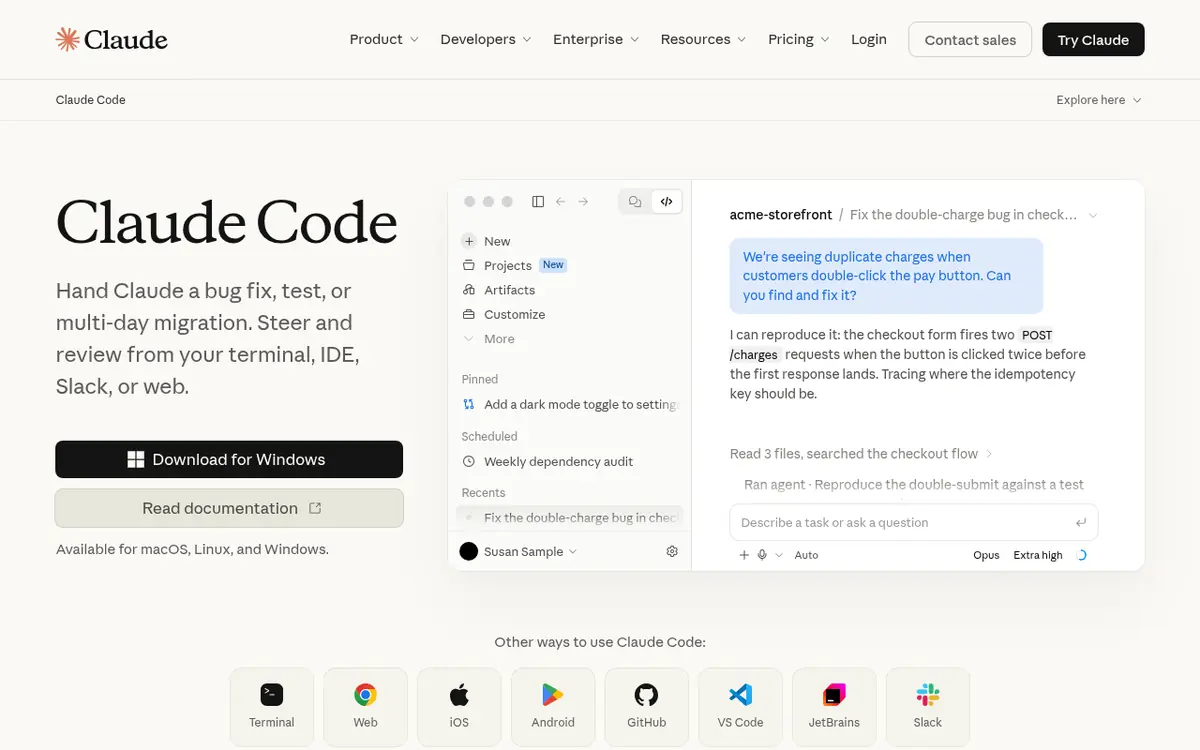
Claude Code is Anthropic's agentic coding tool. It reads your codebase, edits files and runs commands from the terminal, IDEs, a desktop app or the web, which makes it a good fit for handing off whole features in a C++ project.
How it works
Run it from your project root. Epic's plugin is in Anthropic's official plugin marketplace, installed with /plugin install unreal-engine-skills-for-claude-code@claude-plugins-official. The plugin doesn't ship its own MCP config: run ModelContextProtocol.GenerateClientConfig ClaudeCode in the editor console to write .mcp.json, then check /plugin and /mcp in Claude Code to confirm the plugin and the server are connected.
Limits
Claude Code isn't on Claude's free plan, and long agent sessions use up the shared usage pool quickly.
Price and rights
Included from Claude Pro at $20/mo ($17/mo billed annually); Max starts at $100/mo. Anthropic's consumer terms assign you its rights, if any, in Outputs. Our Cursor vs Claude Code guide compares the two in more depth.
Best for: coders on Unreal 5.8 who want the only agent with an Epic-made plugin.
Cursor
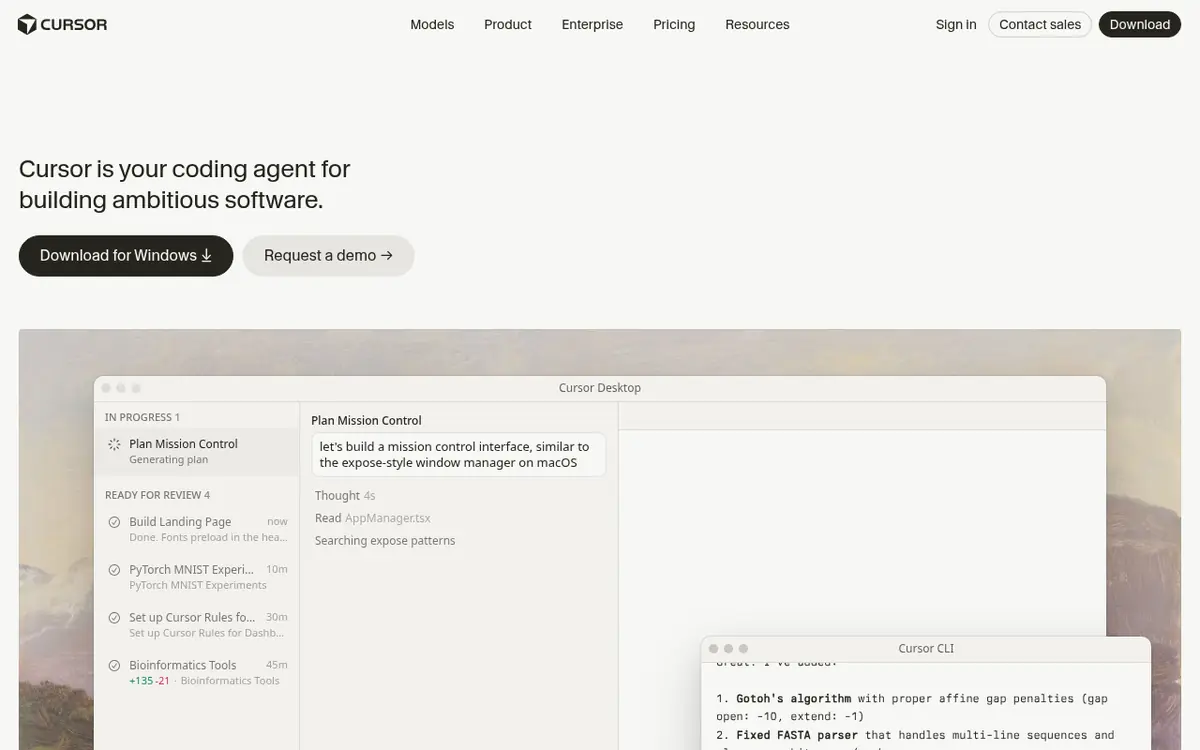
Cursor is an AI code editor with a built-in agent that plans and writes code across your whole project. Open your Unreal project folder (or the generated solution's source folder) and the agent can read your C++ classes, headers and config.
How it works
Changes show up as diffs you accept or reject. For editor access, run ModelContextProtocol.GenerateClientConfig Cursor on 5.8, or use EngineWire on older versions.
Limits
Plus includes only Grok models; on Premium and higher, other models are billed at API list price. You still compile and test outside Cursor.
Price and rights
Free $0 with limited use; Plus $8/mo; Premium $30/mo; Super $100/mo; Ultra $200/mo. Cursor's terms assign Suggestions to you.
Best for: reviewing every C++ change on a small budget.
GitHub Copilot
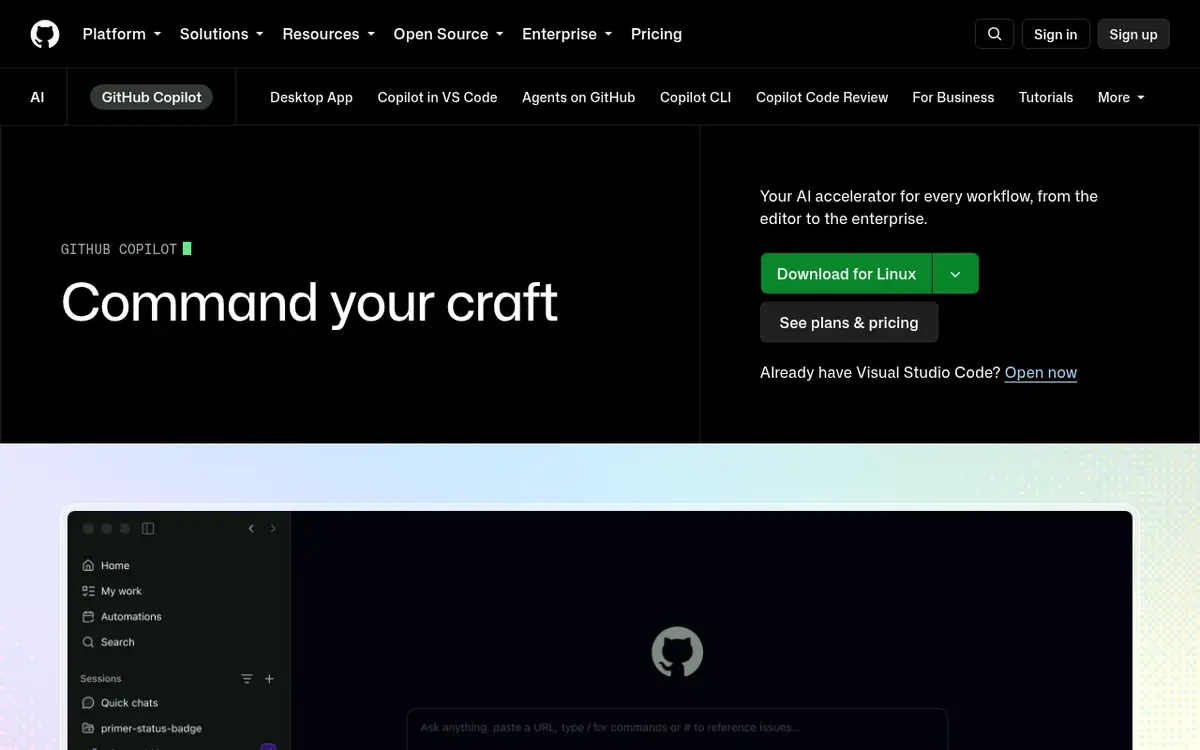
GitHub Copilot suggests code as you type, answers questions about your codebase and has an agent mode. It runs in Visual Studio and VS Code, the two editors most Unreal C++ developers already use.
How it works
Install the extension and sign in for inline completions and chat. In VS Code, connect it to Unreal MCP with ModelContextProtocol.GenerateClientConfig VSCode.
Limits
Copilot Free comes with a limited monthly allowance. Paid plans include a monthly pool of AI credits for premium models.
Price and rights
Copilot Free; Copilot Student free for verified students; Pro $10/mo; Pro+ $39/mo; Max $100/mo. GitHub says it doesn't claim ownership of any suggestion.
Best for: steady autocomplete in the IDE you already compile Unreal with.
EngineWire, VibeUE and skill packs
If you aren't on 5.8, or want more tools than Epic ships, community projects fill the gap. All of these are free and MIT-licensed.
- EngineWire is a native C++ editor plugin and MCP server for Unreal 5.0 to 5.8. It works with Claude Code, Cursor, VS Code and other MCP clients and covers levels, Blueprints and event graphs, UMG, materials, Niagara and Play-In-Editor runs. It installs from Fab without a compiler. The Fab build ships with its server switched off, so you enable it in Project Settings.
- VibeUE needs Unreal 5.8 and adds tools and about 36 skill packs to Unreal's own MCP server, for landscapes, foliage, MetaSounds, animation blueprints, Behavior Trees and performance traces.
- Unreal Engine Skills for AI Agents and UnrealEngine5-Skills are instruction packs that teach a coding agent current Unreal 5 C++ APIs and checklists.
Browse all of them on our agent skills hub, or read the agent skills guide for how skills work.
Meshy
Meshy turns a text prompt, photo or sketch into a textured 3D model and can auto-rig characters with motion presets. A low-poly mode with poly-count control helps keep game assets light.
How it works with Unreal
Unzip Meshy's free plugin into your engine's or project's Plugins folder. In the editor, turn on Window > Meshy Bridge, then in the Meshy web app choose DCC Bridge > Send to Unreal. Meshy's docs say the model arrives as an FBX under Content/MeshyImports, with animation data kept.
Limits
The bridge needs Meshy Pro or higher. Windows builds cover Unreal 5.4 to 5.8; on macOS you compile the source package. The bridge switches off every time you reopen the editor, so start it each session.
Price and rights
Free: 100 credits/mo, output under CC BY 4.0 (commercial use with credit). Pro $20/mo, Premium $40/mo, Ultra $100/mo. Paid output is private and yours.
Best for: quick textured props and rigged characters dropped straight into a level.
Tripo AI
Tripo also turns text or images into 3D models. Its Smart Mesh option makes clean quad meshes between 500 and 25,000 polygons, and it can auto-rig characters and export PBR textures.
How it works with Unreal
Copy the bridge build that matches your engine into your project's Plugins folder and open Window > Tripo Bridge. In Tripo Studio, click DCC Bridge, activate Unreal and choose Send to Unreal; animations made in Tripo can go along with the model.
Limits
The bridge runs on Windows only, with Chrome, Edge or Opera, and transfers only in Editor mode. Tripo's help center notes that if you import FBX by hand, Unreal is Z-up while Tripo exports Y-up, so turn on axis conversion. Keep project paths in plain English characters; Tripo's FAQ lists special characters as a cause of failed imports.
Price and rights
Free: 200 credits/mo, public models, non-commercial use. Pro $20/mo, Max $90/mo, Team $55/seat/mo, all billed annually. Paid plans allow commercial use. See Meshy vs Tripo for a full comparison.
Best for: clean, low-poly game meshes on a paid plan.
Rokoko Vision and Plask
Both turn ordinary video into character animation, with no suit or markers.
Rokoko Vision processes a single video into motion that you refine in Rokoko Studio and export as FBX or BVH. Rokoko Studio has native Unreal plugins. The Starter plan is free forever with 30 seconds of video processing a month; Basic is $10/mo billed annually ($12 monthly). Rokoko's FAQ says motion data from its video and text tools can be used commercially.
Plask applies motion from a clip to your own character and exports FBX, BVH or GLB. Plask Live streams motion into Unreal and Blender. The free tier gives 15 seconds a day, but its terms limit free use to personal, non-commercial work; Standard is $18/mo billed annually.
Our AI animation and mocap guide covers more options, including DeepMotion and Cascadeur, and every tool is on the animation and mocap category page.
Convai
Convai lets you define a character's voice, knowledge and personality in its web Playground, then add that character to your game through its Unreal Engine plugin. The character talks in real time and can perceive and act in the scene. Its docs include demo projects and a Blueprint reference.
Price and rights
Free $0 plan with 100 interactions a month; Indie Dev $29/mo ($22/mo yearly); Professional $99/mo. Convai's terms say you own your content and the AI-generated content. For pre-recorded voice lines rather than live conversation, see our game audio guide and the voice and NPC tools page.
Best for: NPCs that answer the player instead of reading a script.
Step by step: connect an AI agent to Unreal Engine 5.8
This follows Epic's Unreal MCP documentation. It works with any of the supported agents; Claude Code is used as the example.
- Put the project under version control. Commit everything before you connect an agent, so you can roll back a bad session.
- Enable the plugins. Open Edit > Plugins, enable Unreal MCP and All Toolsets (the Toolset Registry turns on with them), and restart the editor.
- Start the server. In Edit > Editor Preferences > General > Model Context Protocol, turn on Auto Start Server, or type
ModelContextProtocol.StartServerin the console. By default it listens athttp://127.0.0.1:8000/mcp; the same panel lets you change the port. - Write the client config. In the console, run
ModelContextProtocol.GenerateClientConfig ClaudeCode(or Cursor, VSCode, Gemini, Codex, or All). The Codex config is write-once, so delete a stale one by hand. - Launch the agent from the project root, where the config file was written. Start it after the editor is running. For Claude Code, install Epic's plugin as shown above.
- Check the connection. Epic suggests opening with a simple question about what the agent can do in Unreal before giving it real work.
- Work in small steps. Ask for one change, look at it in the viewport or Blueprint editor, play-test, then commit. Don't run two agents against the same editor.
- Bring in assets. Start the Meshy or Tripo bridge from the Window menu and send models from the web app. For motion, export FBX from Rokoko or Plask and retarget it.
Example prompts
These are examples to adapt, not tested recipes. Name actors, folders and classes the way your project does.
- "List the toolsets you can use in this project, then tell me which ones handle actors and materials."
- "In the open level, add a point light above the player start, set its intensity to a moderate value and tell me what you changed."
- "Create a material instance from M_Base called MI_Rock_Moss in Content/Materials and set its base color to a dark green."
- "Write a C++ ActorComponent called HealthComponent with MaxHealth, current health, a TakeDamage function and a delegate that fires on death. Don't touch other files."
- For Meshy or Tripo: "low-poly wooden treasure chest, stylized, hand-painted texture" (one object per generation, not a whole scene).
Common mistakes and tips
- Skipping version control. Agents can change dozens of assets in one request. Commit before every session.
- Enabling only Unreal MCP. Without All Toolsets the server connects but has nothing to call.
- Mismatched plugin builds. Meshy and Tripo ship one build per engine version; install the one that matches yours.
- Forgetting the free-tier license. Tripo's and Plask's free output is non-commercial, and Meshy's needs credit. Upgrade before you ship, or replace those assets. Our guide to selling AI-made games covers the rules by tool and Steam's disclosure form.
- Exposing the MCP port. Unreal MCP has no authentication. Keep it on localhost.
One more thing to watch: Game Developer reported in late October 2026 that Epic plans to change the Unreal EULA so outputs of Unreal Engine and MetaHuman can be used for AI training, with each game's own terms able to allow or restrict it. Check the current EULA if that matters to you.
Which should you pick?
By budget
- $0: Unreal MCP (5.8) or EngineWire, with Copilot Free or Cursor's free plan. Meshy's free credits for placeholder models (credit Meshy if you ship them), Rokoko Vision Starter for motion and Convai's free plan for a talking NPC test.
- About $20 to $30 a month: Claude Code (Pro $20/mo) with Epic's plugin, or Cursor Plus at $8/mo plus Meshy Pro or Tripo Pro at $20/mo for assets you can sell.
By skill
- Blueprint-only beginner: EngineWire from Fab (no compiler) with any MCP client, and Meshy's or Tripo's bridge for assets.
- Comfortable with C++: Claude Code or Cursor, plus a C++ skill pack so the agent uses current Unreal 5 APIs.
By engine version
- Unreal 5.8: Epic's Unreal MCP and official plugin, optionally VibeUE for more tools.
- Unreal 5.0 to 5.7: EngineWire, and check plugin version support for Meshy (5.4+) and Tripo (5.4+).
- Not set on Unreal: see AI tools for Unity, Godot with AI or Roblox AI tools.
Everything that works with Unreal is collected on our Unreal Engine hub, and coding tools for all engines are on the AI coding tools page. For more 3D options, see the AI 3D model generator guide and the 3D generator category.
Some links are affiliate links.
Questions people ask
Does Unreal Engine have built-in AI tools?
Yes, as of Unreal Engine 5.8. Epic added Unreal MCP, an experimental plugin that runs an MCP server inside the editor so outside AI agents such as Claude Code, Cursor, VS Code, Gemini or Codex can call editor tools: spawning actors, setting up lighting, creating material instances, running automation tests and more. You enable it together with the All Toolsets plugin, which supplies the actual tools. It is free, but you bring your own AI agent.
Can Claude Code control the Unreal Editor?
Yes. Epic publishes Unreal Engine Skills for Claude Code, an official plugin in Anthropic's Claude Code plugin marketplace. It pairs a skill with Unreal's own MCP server so Claude Code can work on actors, Blueprints, materials, Niagara, Sequencer, UMG widgets and automation tests. You need Unreal Editor 5.8 running with the Unreal MCP and All Toolsets plugins enabled, and a paid Claude plan, since Claude Code starts at $20/mo.
Can I use Cursor or GitHub Copilot with Unreal Engine?
Yes. Both edit Unreal C++ like any other code. To let them act inside the open editor, connect them to an MCP server: in Unreal Engine 5.8, the console command ModelContextProtocol.GenerateClientConfig Cursor (or VSCode for Copilot in VS Code) writes the config for you. On Unreal 5.0 to 5.7, the free EngineWire plugin offers an MCP server that works with any MCP client.
Is there a free AI for Unreal Engine?
You can start at $0. Unreal MCP in 5.8, EngineWire and VibeUE are free, GitHub Copilot and Cursor have free plans with limited AI use, and community skill packs for Unreal are free and open source. For assets, Meshy gives 100 credits a month (output under CC BY 4.0, so you must credit Meshy), Rokoko Vision's Starter plan includes 30 seconds of video mocap a month, and Convai's free plan includes 100 interactions a month.
Can AI make Blueprints, or only C++?
Both. Epic's official plugin lists Blueprints among its toolsets, and EngineWire can create Blueprints and whole event graphs in a running editor. Coding agents also write C++ classes directly. Blueprint-only projects can install EngineWire from Fab without a compiler, while the GitHub build of EngineWire needs a project with C++ code.
Which AI 3D model generators work with Unreal Engine?
Meshy and Tripo both have free Unreal plugins that send models from their web apps into the open editor. Meshy's bridge supports Unreal 5.4 to 5.8 and needs Meshy Pro or higher to send models; Tripo's bridge supports Unreal 5.4 or newer on Windows. You can also export GLB or FBX from either tool and import it through the Content Browser.
Can I sell an Unreal game made with AI tools?
Usually, if each tool's plan allows it. Unreal Engine itself is free to use, with a 5% royalty on lifetime gross revenue above $1 million per product (Epic Games Store sales are royalty-free). Then check each AI tool: Tripo's and Plask's free plans are non-commercial, Meshy's free output needs attribution, and Claude Code, Cursor and Copilot terms assign code output to you or claim no ownership of it. Steam also asks you to disclose AI use.
Is it safe to let an AI agent drive the Unreal Editor?
Take care. Epic's docs say Unreal MCP is experimental, listens only on your own machine by default and has no authentication layer, so it should not be exposed to a network. Agents can change many assets quickly, so put the project under version control and commit before each session. Epic also says the server runs tool calls one at a time on the game thread, so don't run several agents against one editor at once.
Sources
- dev.epicgames.com/documentation/…/unreal-mcp-in-unreal-editor?lang=en-US
- github.com/EpicGames/unreal-engine-skills-for-claude-code-plugin
- unrealengine.com/en-US/license
- gamedeveloper.com/programming/epic-is-updating-the-eula-to-allow-ai-training-on-outputs-from-unreal-engine-and-metahuman
- github.com/ChiR24/Unreal_mcp
- github.com/kevinpbuckley/VibeUE
- claude.com/pricing
- cursor.com/pricing
- docs.github.com/en/…/plans
- meshy.ai/integrations/unreal-engine
- docs.meshy.ai/en/…/introduction
- meshy.ai/pricing
- tripo3d.ai/blog/tripo-dcc-bridge-for-ue
- tripo3d.ai/help/…/how-to-export-and-import-to-dcc-tools
- tripo3d.ai/pricing
- docs.convai.com/api-docs/…/unreal-engine
- convai.com/pricing
- rokoko.com/pricing
- plask.ai/en-US/pricing