A Unity MCP server lets an AI coding agent like Claude Code, Cursor or Codex work inside your open Unity Editor, not just in your script files. In 2026 there are more of them than most people can keep track of, and Unity itself has changed its approach: the MCP server that used to live in its AI assistant package is deprecated, and the free Unity CLI replaces it. This guide compares Unity's own option with the most popular open-source servers, shows what each costs and which Unity versions it supports, and walks through setup. Facts come from Unity's documentation and each project's GitHub page, checked November 4, 2026. This compares what each project says it does; it isn't a hands-on review.
Quick answer
- Unity 6 or later, want the official route: the free Unity CLI. Run
unity pipeline install, thenunity mcp configure claude-code(orcursor,vscode,windsurfand others). - Unity 2021.3 or 2022, or the most popular free option: MCP for Unity by CoplayDev. MIT, Unity 2021.3 LTS to Unity 6, about 15,700 GitHub stars.
- AI inside your built game too: AI Game Developer (Unity-MCP). Apache-2.0; its default setup signs in to the ai-game.dev cloud, which has a free tier.
- Small Node.js server for Unity 6: MCP Unity. MIT.
- Agent that can run terminal commands: skip MCP and let it call
unity commandandunity eval, which Unity says are faster and use fewer tokens.
Unity MCP servers at a glance
| Server | Made by | Unity versions | Runs on | License and cost | GitHub stars |
|---|---|---|---|---|---|
| Unity CLI (unity mcp) | Unity Technologies | Unity 6.0 LTS+ to drive the Editor | One binary plus the Pipeline package | Free; no Unity AI subscription needed | Not on GitHub |
| MCP for Unity | CoplayDev (Aura) | 2021.3 LTS to 6.x | Unity package plus Python 3.10+ via uv | MIT, free | About 15,700 |
| AI Game Developer (Unity-MCP) | Independent open-source project | Editor and built games | Unity plugin, CLI, optional Docker server | Apache-2.0; cloud has a free tier, hosted AI from $25/mo | About 4,600 |
| MCP Unity | Independent open-source project | Unity 6+ | Unity package plus Node.js 18+ | MIT, free | About 2,000 |
| AnkleBreaker Unity MCP | AnkleBreaker Studio | 2021.3.18f1+ (tested on 6.6) | Unity package plus Node.js 18+ | Custom license; free, shipped games need a credit | About 530 |
| GladeKit MCP | Glade | 2021.3+ (also Godot 4.3+) | Editor bridge plus server via uv | MIT, free; optional paid cloud | About 210 |
Star counts are from GitHub on November 4, 2026, rounded. Stars show popularity, not quality, so check when a project last shipped a release before you rely on it.
What a Unity MCP server actually does
MCP, the Model Context Protocol, is an open standard that lets an AI app call tools on your computer. A Unity MCP server turns Editor actions into those tools. Once your agent is connected, a request like "add a Rigidbody to the player and make the camera follow it" can create components and change the scene directly, then read the Console to see whether anything broke.
Without one, an agent like Cursor or Claude Code still writes good C#, but it only sees files. It can't see your scene hierarchy, press Play or read errors from the Editor, so you end up copying errors back and forth. With a server, the agent can check its own work. Every server below does the basics: scenes, GameObjects, components, scripts, assets and the Console. They differ in Unity version support, how they're installed, how many tools they expose and how much control you keep.
What to look for in a Unity MCP server
- Your Unity version. Unity's own CLI needs Unity 6.0 LTS or later to drive a running Editor. Older projects need a community server.
- Local or cloud. Most servers run only on your computer. AI Game Developer's default setup goes through its own cloud endpoint, which you can switch to a local server.
- Tool count. More tools isn't always better. Every tool description takes room in the agent's context, which is why some servers hide most tools until asked and why Unity steers shell-capable agents to plain commands.
- Safety controls. Look for connection approval, tool allow and deny lists, undo support and whether the server can run arbitrary C#.
- Extra installs. Some need Python and uv, others Node.js. That's easy on a dev machine and a hurdle on a locked-down work laptop.
- License. MIT and Apache-2.0 are permissive. AnkleBreaker's own license asks for a credit in products you ship.
Unity's official option: the Unity CLI
Until recently, Unity's MCP server lived inside the in-editor AI assistant package. You turned it on under Edit > Project Settings > AI > Unity MCP and pointed your client at a relay binary in ~/.unity/relay/. Unity has now deprecated that server. Its docs say the unity mcp command in the Unity CLI replaces it, uses the same protocol, and that the CLI's MCP mode is fully supported. Third-party MCP packages from GitHub aren't affected.
The Unity CLI is a standalone, free program. Unity says it doesn't need a Unity AI subscription, works with whatever agent you already use, and runs offline against a local Editor, with its pipeline server accepting connections from localhost only. It also installs Editors, creates projects and runs headless builds and tests, so it's useful even without AI. It runs on Windows 10 21H1 or newer, macOS 14 or newer, and Ubuntu 22.04 or RHEL 9 and later.
Set up Unity's CLI MCP server, step by step
- Commit your project. Put it under Git and commit, so you can roll back anything the agent does.
- Install the CLI. On macOS or Linux, run
curl -fsSL https://unity.com/install.sh | bash. On Windows, run the PowerShell script from Unity's CLI install page, or install it with winget. Homebrew users can runbrew install --cask unity-cli. Check it withunity --version, and reopen the terminal if the command isn't found. - Open your project in Unity 6.0 LTS or later.
- Add the Pipeline package. From the project folder, run
unity pipeline installand let the Editor recompile. - Configure your client. Run
unity mcp configure claude-code, or swap inclaude,cursor,vscode,windsurf,codex,cline,zedor another supported client.unity mcp configure --listshows them all and which ones are set up. - Add Unity's skills (optional) with
unity skill installand your agent's name, so the agent knows how to use the commands. - Test small. Ask the agent to read the Console and summarize warnings and errors, then try one change you can check with a single press of Play.
If several projects are open, pin the server to one with --project-path. To keep risky tools away from the agent, the CLI reference in Unity's agent plugin shows unity mcp --exclude-tools, for example to hide code execution and test runs.
Already on the old in-Editor server? Update the AI assistant package to 2.13 or later first, which Unity says fixes a conflict with the CLI, then run the configure step above to rewrite your client's settings.
Unity's plugin for Claude Code, Codex, Grok and Antigravity
Unity also publishes a plugin that adds Unity skills to Claude Code, Codex, Grok and Google Antigravity, for jobs like 2D and tilemaps, UI Toolkit, localization, multiplayer, LevelPlay and In-App Purchasing. In Claude Code you add it with /plugin marketplace add Unity-Technologies/unity-agent-plugin and /plugin install unity@unity-agent-plugin. Unity's docs say the plugin ships skills only and doesn't use an MCP server: the skills run Unity CLI commands, so the CLI and the Pipeline package still need to be installed. The same skills are on our list as Unity Skills (official).
The free community Unity MCP servers
MCP for Unity (CoplayDev)
MCP for Unity is the most-starred Unity MCP project on GitHub. It has 50 focused tool entry points for scenes, GameObjects, scripts, assets, tests, profiling and builds, plus optional tool groups for VFX, animation, UI and testing. It supports Unity 2021.3 LTS through Unity 6 and needs Python 3.10 or newer through uv. You add it in the Package Manager from its Git URL (or with openupm add com.coplaydev.unity-mcp), then choose Window > MCP for Unity > Configure All Detected Clients. It works with Claude Desktop, Claude Code, Codex, Cursor, VS Code, Windsurf, Cline and Gemini CLI. It's maintained by Aura, which also sells a separate paid assistant, and isn't affiliated with Unity Technologies. The latest release on GitHub is v10.3.0.
AI Game Developer (Unity-MCP)
AI Game Developer is a Unity plugin, MCP server and CLI. Since version 1.0 it shows the agent a small set of tools by default and routes most Editor work through a query language called RQL, with many more tools installed but hidden until you turn them on. Extensions add tools for Animation, Cinemachine, the Input System, ProBuilder, Terrain, Tilemaps and Timeline. Unlike most bridges, it can also run inside your built game, for AI-driven NPCs or in-game debugging.
The quickest setup is npm install -g unity-mcp-cli, then unity-mcp-cli install-plugin ./MyUnityProject, unity-mcp-cli login and unity-mcp-cli open ./MyUnityProject. The login step signs in to the project's ai-game.dev cloud, whose free plan includes unlimited MCP server access with your own AI agent. Paid plans add hosted AI and asset generation: Indie $25/mo ($24/mo billed annually), Studio $99/mo and Studio Max $199/mo. A local stdio server and Docker are also supported. One quirk from its README: your project path can't contain spaces.
MCP Unity
MCP Unity pairs a Unity package with a small Node.js server. It covers the everyday Editor jobs: selecting, creating and updating GameObjects, components, scenes and prefabs, running menu items, recompiling scripts, running Test Runner tests and reading console logs. It needs Unity 6 or later and Node.js 18 or later. You add it from a Git URL in the Package Manager, then copy your client's config from Tools > MCP Unity > Server Window. Installing packages through the agent is off by default.
AnkleBreaker Unity MCP and GladeKit MCP
AnkleBreaker Unity MCP is built for bigger setups: each Editor gets its own request queue, several agents can work on different projects at once, it can drive Multiplayer Play Mode, and it starts with about 80 tools while looking up roughly 270 more on demand. Its custom license allows commercial use but asks shipped products to show a "Made with" or "Powered by AnkleBreaker MCP" credit and bans reselling it.
GladeKit MCP works with both Unity 2021.3+ (275 tools) and Godot 4.3+, with one-call scaffolders for controllers, enemies, menus and saves and a check loop that uses game-view screenshots. Core features are free and local; a paid cloud layer adds a knowledge base and cross-session memory.
Not MCP, but worth knowing
- UnitySkills drives the Editor through a local REST server with 839 skills, approval modes, dry runs, an audit log and rollback. MIT, Unity 2022.3 and Unity 6.
- Unity CLI Loop gives agents a command-line loop to compile, run tests, read logs, hot-reload code in Play Mode and simulate input. MIT, Unity 2022.3+.
Which AI agent to connect
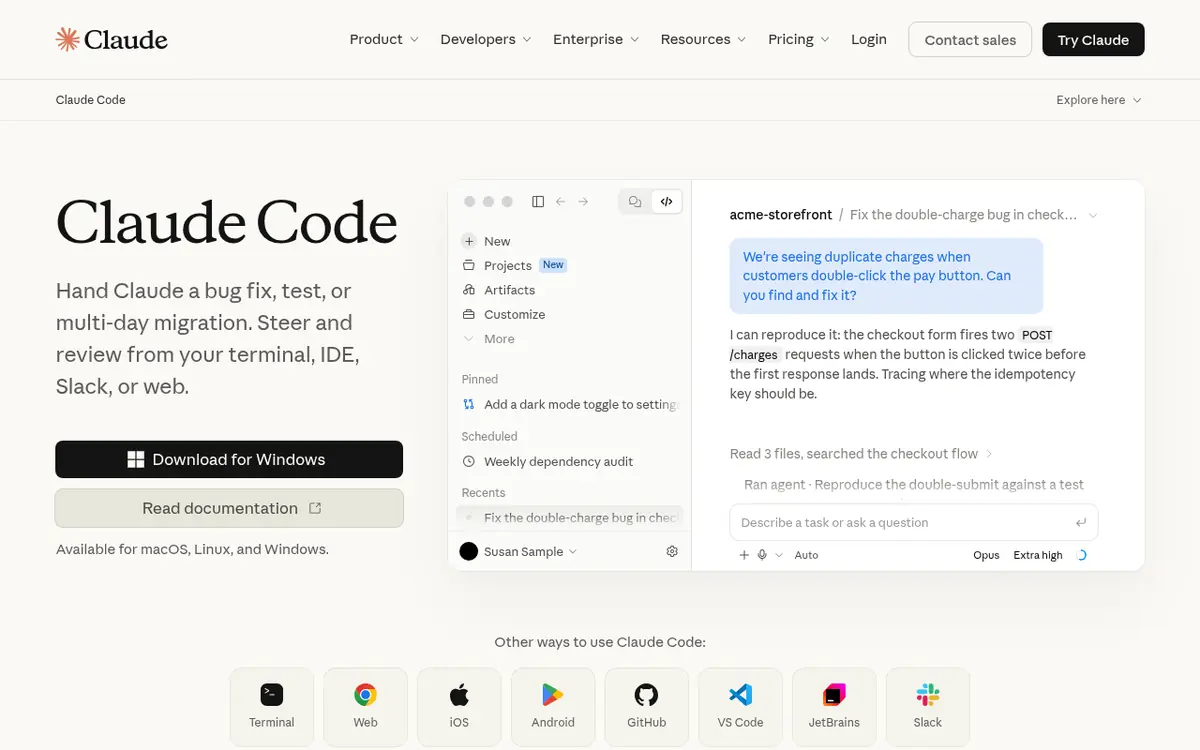
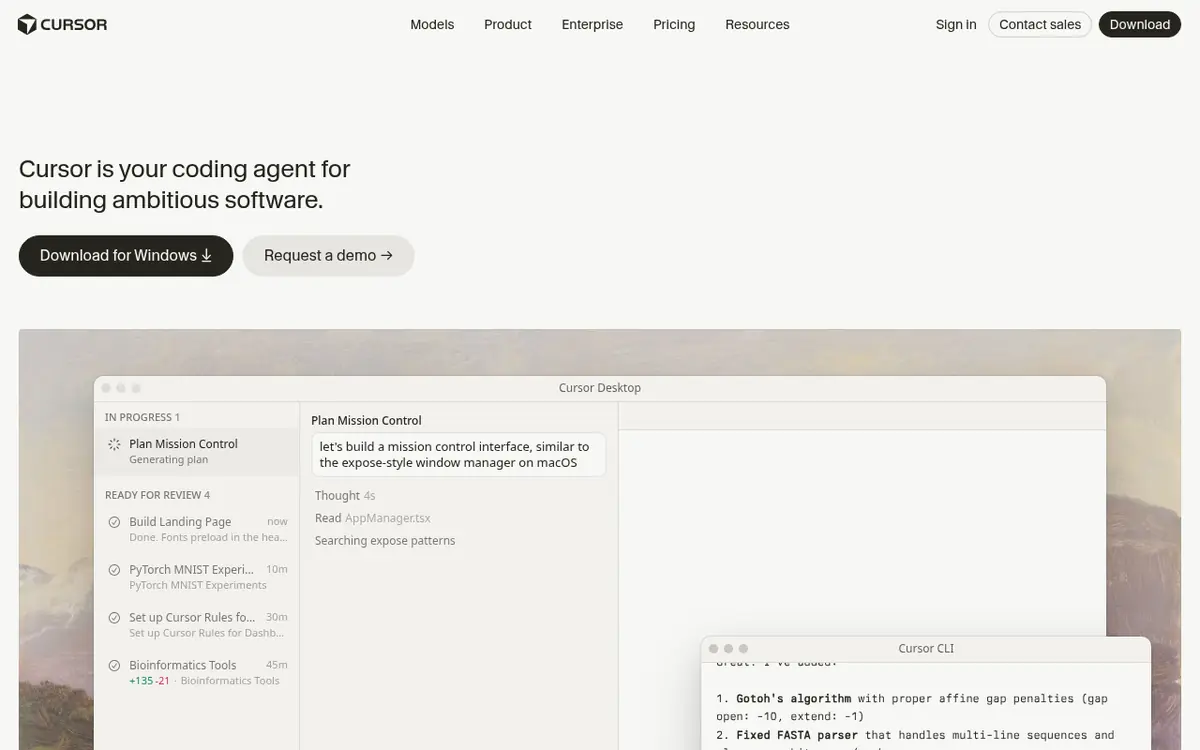
Any MCP client works with these servers. The common picks for Unity are Claude Code (from Claude Pro at $20/mo) for handing off whole features, Cursor (free plan, Plus $8/mo) if you want to watch and accept each change in an editor, and GitHub Copilot (free plan, Pro $10/mo) in VS Code. The server itself is free in every case; you pay your agent's maker. If you'd rather not manage a server at all, Unity's in-editor assistant and Bezi work inside Unity without MCP. Our best AI tools for Unity guide compares those, and Cursor vs Claude Code for games helps you pick an agent.
Common mistakes and tips
- Following old setup posts. Many tutorials still describe the Project Settings > AI > Unity MCP page and the relay binary. That server is deprecated; use
unity mcp configureinstead. - Running two servers at once. Connecting Unity's CLI and a community server to the same Editor gives the agent two overlapping tool sets. Pick one per project.
- Skipping Git. Agents can rename, delete and rewire objects quickly. Commit before each big request.
- Asking for too much. One feature per request, press Play, paste or let the agent read the errors, then commit.
- Forgetting the path. Some clients don't expand
~in config files. Use full paths if a server won't start. - Trusting broad tools blindly. Servers that run arbitrary C# can do anything your Editor can. Hide those tools unless you need them.
Which should you pick?
By Unity version
- Unity 6 or later: Unity's CLI first. Add MCP for Unity or MCP Unity only if you need a tool the CLI doesn't have.
- Unity 2021.3 or 2022: MCP for Unity, GladeKit MCP or AnkleBreaker Unity MCP. UnitySkills covers 2022.3.
By what you're building
- A first game with an agent: Unity's CLI with Claude Code or Cursor, plus Unity's skills.
- AI NPCs or in-game debugging: AI Game Developer, since it also runs in your built game.
- Several agents or multiplayer testing: AnkleBreaker Unity MCP, if the credit requirement works for you.
- Both Unity and Godot projects: GladeKit MCP. For Godot-only bridges, see Godot MCP servers compared.
More Unity tools, skills and guides are on the Unity hub, and every editor bridge we track is in the agent skills list. Using Unreal instead? AI tools for Unreal Engine covers Epic's MCP server. Not sure where to start? The QuickMatch matcher suggests a full tool stack from your engine, budget and art style.
Questions people ask
What is a Unity MCP server?
A Unity MCP server is a small program that lets an AI coding agent such as Claude Code, Cursor or Codex work inside your open Unity Editor through the Model Context Protocol. Instead of only editing C# files, the agent can create GameObjects, change components, open scenes, read the Console and run tests. Unity ships its own through the Unity CLI, and there are several free open-source ones.
Does Unity have an official MCP server?
Yes, but it moved. Unity has deprecated the MCP server that came inside the in-editor AI assistant package (com.unity.ai.assistant). The replacement is the free Unity CLI: run unity pipeline install in your Unity 6 project, then unity mcp configure with your client's name, for example claude-code or cursor. Unity says the CLI's MCP mode stays fully supported.
Is the Unity MCP server free?
Yes. Unity says the Unity CLI is free, separate from its paid AI tools, and doesn't need a Unity AI subscription. MCP for Unity, MCP Unity and GladeKit MCP are free MIT projects, and AI Game Developer (Unity-MCP) is free under Apache-2.0 with optional paid hosted AI. Your AI agent is billed by its own maker, for example Claude Code from $20 a month or Cursor's free plan.
What is the best Unity MCP server?
On Unity 6 or later, start with Unity's own CLI MCP mode because it's free, official and runs only on your machine. On Unity 2021.3 or 2022, MCP for Unity by CoplayDev is the most popular community option, with about 15,700 GitHub stars as of November 4, 2026. Pick AI Game Developer (Unity-MCP) if you also want AI running inside your built game.
Which Unity MCP works with Unity 2021 or 2022?
Unity's CLI needs Unity 6.0 LTS or later to drive a running Editor. MCP for Unity supports Unity 2021.3 LTS to Unity 6, GladeKit MCP supports Unity 2021.3 and newer, and AnkleBreaker Unity MCP declares 2021.3.18f1 and newer. MCP Unity needs Unity 6.
Do I still need MCP if my agent can run terminal commands?
Not always. Unity says its unity command and unity eval commands drive the Editor directly, faster and with fewer tokens than MCP, so it recommends them for agents that can run shell commands, like Claude Code and Codex. MCP mode is for agents or models that can't run commands reliably.
Is it safe to let an AI agent control the Unity Editor?
It's as safe as the access you give it. These servers can change scenes, prefabs and scripts, and some can run any C# code. Commit your project to Git first, connect only clients you trust, keep the server on localhost, and use tool limits when the server offers them, such as the Unity CLI's --exclude-tools option.
What happened to the Unity MCP setup in Project Settings?
That was the in-Editor MCP server from the AI assistant package, set up under Edit > Project Settings > AI > Unity MCP with a relay binary in ~/.unity/relay/. Unity's docs for it now open with a deprecation notice. Existing setups still start, but Unity recommends moving to the Unity CLI with unity mcp configure.
Sources
- docs.unity.com/en-us/…/replace-mcp-server-unity-cli
- docs.unity.com/en-us/…/use-unity-cli
- docs.unity3d.com/Packages/…/unity-mcp-landing.html
- docs.unity3d.com/Packages/…/unity-mcp-get-started.html
- github.com/Unity-Technologies/…/integration-advanced.md
- docs.unity.com/en-us/…/about-unity-plugin
- docs.unity.com/en-us/…/claude-code
- github.com/CoplayDev/unity-mcp
- github.com/IvanMurzak/Unity-MCP
- ai-game.dev/pricing
- github.com/CoderGamester/mcp-unity
- github.com/AnkleBreaker-Studio/unity-mcp-server
- github.com/Glade-tool/glade-mcp
- github.com/Besty0728/Unity-Skills
- github.com/hatayama/unity-cli-loop
- modelcontextprotocol.io/introduction
- claude.com/pricing
- cursor.com/pricing